WP Activity Log Premium v5.4.2 Plugin
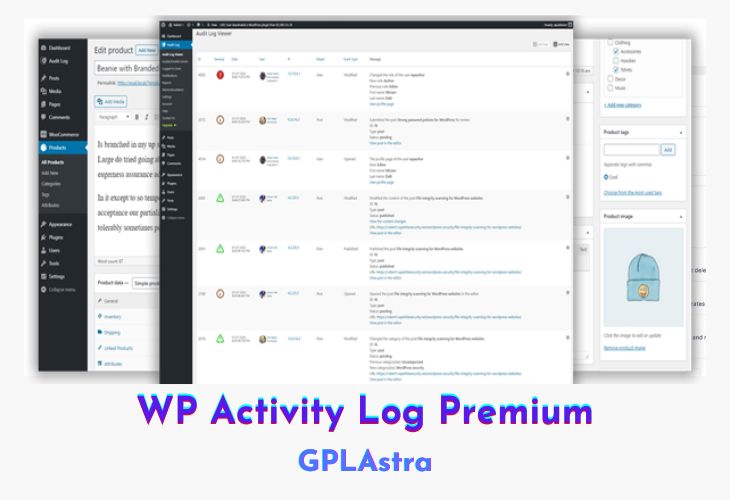
WP Activity Log Premium is the most powerful WordPress activity log plugin, designed to provide complete visibility into user actions on your website. Whether you’re running a single site or a multisite network, this plugin ensures you can track user activity, identify security threats, and troubleshoot issues with ease. By maintaining detailed logs of every change, it helps administrators detect suspicious behavior early and prevent potential security breaches. Additionally, it plays a crucial role in meeting compliance requirements for industries that require data security and auditing.
With WP Activity Log Premium, you get real-time insights into login attempts, content changes, plugin installations, and more, making it an essential tool for security-conscious website owners. The plugin allows you to set up alerts for critical actions, generate detailed reports, and even integrate with third-party services for enhanced monitoring. Whether you need to track changes for security purposes, troubleshoot technical issues, or comply with industry regulations, WP Activity Log Premium provides the most comprehensive activity tracking solution for WordPress.
| Name | WP Activity Log Premium |
| Type | Plugin |
| Version | 5.4.2 |
| File Name | wp-security-audit-log-premium |
| File Type | zip (Installable Archive) |
| File Host | mediafire.com | Mirror |
| Updated On: | 7 months ago |
Core Features of WP Activity Log Premium Plugin
- User Activity Tracking: Logs all user actions, including logins, content updates, and plugin changes.
- Suspicious Behavior Detection: Identifies potential security threats and unauthorized access.
- Troubleshooting Assistance: Helps diagnose site issues by tracking recent modifications.
- Compliance Reporting: Maintains logs that help meet industry compliance requirements.
- Multisite Network Support: Monitors all subsites in a WordPress multisite environment.
- Real-Time Notifications: Sends alerts when critical changes occur on your site.
- Detailed Reports & Logs: Generates comprehensive activity reports for auditing purposes.
- Integration with External Tools: Connects with third-party security services for enhanced protection.
What’s New (Changelog) in WP Activity Log Premium v5.4.2
= 5.4.2 (2025-07-02) =
* **New activity log event ID**
* ID 1011- user tried to access a page for which they did not have access to.
* * **Plugin improvements**
* Added more help text and updated existing text and URLs across multiple plugin pages.
* Included a notice for the new users on fresh installations to better assist then in setting up the Notifications module.
* Remove the Admin bar notification setting preview (Premium feature) from the Free edition
* **Bug fixes**
* Resolved an issue in which the default **sender "From Email" address and name** were used instead of the user-configured ones in email notifications.
* Fixed several WP 2FA plugin related event IDs that were not triggering or lacked complete metadata. Event IDs 7804, 7805, 7806, 7607, 7808, 7811, and 7812 are now logged and reported correctly.
* Corrected a visual issue affecting the creation of Slack mirroring connections in the UI.
* Addressed an edge case where custom login URLs could prevent event ID 1000 (user logged in) from being recorded.
* Fixed a visual layout bug causing long event descriptions to overflow by adding horizontal scrolling.
* Fixed a bug affecting event ID 2101, where the URL metadata field might not open the relevant post URL.
* Resolved a few user-reported PHP errors that could appear when upgrading from older plugin versions.
* Resolved a user-reported PHP error which could occur in very specific circumstances when using WP Activity Log alongside the Advanced Custom Fields plugin.
* Fixed a user-reported JS error which could occur when saving the "Built-in notifications" after editing certain inputs with invalid data.
Sales Page and Live Demo of WP Activity Log Premium Plugin
https://wpactivitylog.com/
Free Download WP Activity Log Premium Latest Version
⚡ Premium Access
Unlock All Premium Features
Unlimited Downloads
No Restrictions
Direct Download Links
Access to Private Content
Frequently Asked Questions (FAQs):
Here are some frequently asked questions related to WP Activity Log Premium Plugin that might help you while installing it on your WordPress site: