WP Rentals v3.16.2 Theme
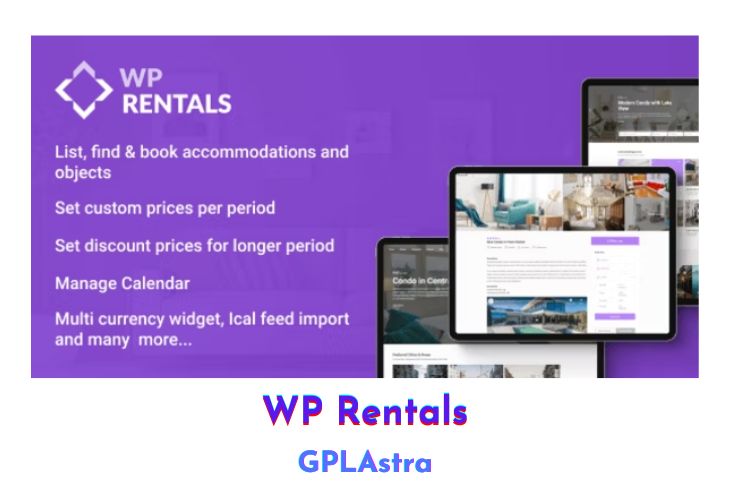
WP Rentals is a powerful WordPress booking platform designed to help you publish and offer listings (properties or objects) for daily or hourly rentals. With this theme, you can allow users to sign up and publish their own listings, while you earn a commission for each submission or confirmed booking. WP Rentals offers a comprehensive set of features to create a seamless booking experience for both owners and guests.
Each listing supports a wide range of pricing options, including a default price per night (or per hour), different prices for bookings over 7 days or 30 days, different prices for weekend days, minimum booking days (or hours), price for extra guests, cleaning and city fees (with options to calculate by night, by guest, or by guest and night), security deposit, taxes value, and early bird discounts. Additionally, WP Rentals supports both hourly and daily bookings, making it versatile for various rental businesses, such as vacation rentals, office spaces, or equipment rentals.
| Name | WP Rentals |
| Type | Theme |
| Version | 3.16.2 |
| File Name | wprentals |
| File Type | zip (Installable Archive) |
| File Host | mediafire.com | Mirror |
| Updated On: | 3 months ago |
Core Features of WP Rentals Theme
- Publish and offer listings for daily or hourly rentals
- Allow users to sign up and publish their own listings
- Earn commission for each submission or confirmed booking
- Extensive pricing options for each listing:
- Default price per night (or per hour)
- Different prices for bookings over 7 days or 30 days
- Different prices for weekend days
- Minimum booking days (or hours)
- Price for extra guests
- Cleaning and city fees (calculated by night, by guest, or by guest and night)
- Security deposit
- Taxes value
- Early bird discounts
- Supports both hourly and daily bookings
- Customizable booking options:
- Custom price per night for specific periods
- Custom price per night for 7+ or 30+ bookings
- Custom price for weekend nights
- Minimum number of nights
- Price for extra guests
- Changeover days (check-in or check-in and check-out)
- iCalendar feed sync for availability/bookings
- Admin can accept payments via PayPal, Stripe, or Wire Transfer (offline)
- Admin can set deposit value and service fee (fixed or percentage)
- Internal messaging system monitored by admin
- Contact information for owners visible only to users with confirmed bookings
- Easy demo import with a few clicks
- Fully responsive and Retina-ready
- Includes WPBakery Page Builder, Revolution Slider, and Ultimate Addons
- Powerful theme admin with Redux Framework
- Flexible booking options for all users
- Submission options for selected users only
- Multiple currency support with a currency widget
- Header and menu options (maps, property slider, Revolution slider, image, or none)
- Open Street Map and Algolia API implementation
- Optimized Google Maps API implementation
- Custom color options
- Built-in caching system
- Unlimited sidebars
- Translation-ready
- WPML support
- Compatible with RentalsClub add-ons (SMS notifications, phone verification, payments management)
What’s New (Changelog) in WP Rentals v3.16.2
WpRentals v3.16.2 — November 2025
Fix – Ajax search and pagination in search results page, half map layout
Update – Security hardening for user-generated content in post titles (Contributor Roles)
Update – Security improvements for the User ID Verification process
Update: WpRentals Core Functionality plugin updated to version 3.16.2
Update: WpRentals Elementor plugin updated to version 3.16.2
Sales Page and Live Demo of WP Rentals Theme
https://themeforest.net/item/wp-rentals-booking-accommodation-wordpress-theme/12921802
Free Download WP Rentals Latest Version
⚡ Premium Access
Unlock All Premium Features
Unlimited Downloads
No Restrictions
Direct Download Links
Access to Private Content
Frequently Asked Questions (FAQs):
Here are some frequently asked questions related to WP Rentals Theme that might help you while installing it on your WordPress site:


