The Ark v1.74.0 WP Theme
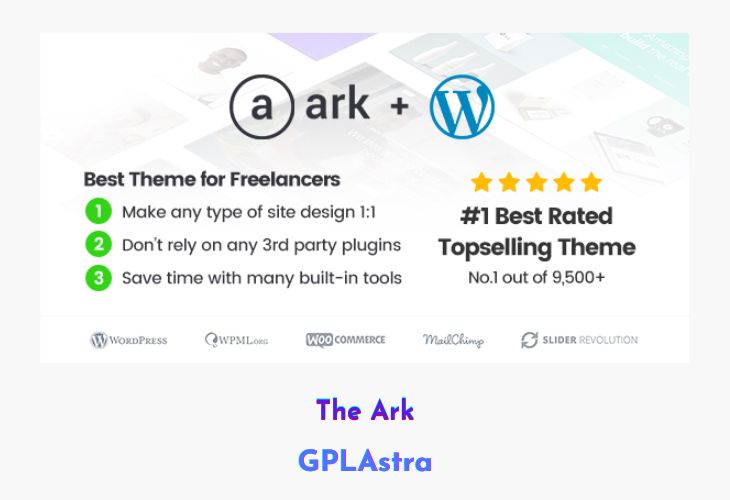
The Ark – Next Generation WordPress Theme is a premium multipurpose WordPress theme built to push creative and technical boundaries far beyond traditional themes. Known by many users as one of the best WordPress themes ever created, The Ark is designed for professionals who build client websites for a living and need flexibility, performance, and reliability in one package. Its reputation is backed by outstanding customer reviews and its status as one of the highest-rated products on ThemeForest among 30,000+ web-related items.
Packed with an enormous collection of demos, section blocks, and layout options, The Ark allows you to assemble complex websites at lightning speed while still offering granular control over every visual detail. With its exclusive Fresh Builder, Fresh Grid system, and advanced layout engine, the theme delivers a level of creative freedom that most themes simply cannot match—making it ideal for agencies, freelancers, and advanced WordPress users.
| Name | The Ark |
| Type | WP Theme |
| Version | 1.74.0 |
| File Name | ark |
| File Type | rar (Archive, please extract before use) |
| File Host | mediafire.com | Mirror |
| Updated On: | 2 months ago |
Core Features of The Ark WP Theme
- Massive Demo Library: Access 307+ professionally designed demo pages and ready-made layouts.
- One-Click Section Blocks: Insert 223+ large, pre-built section blocks instantly to speed up development.
- Fresh Builder (Exclusive): A powerful, next-generation visual builder built for speed, precision, and flexibility.
- Advanced Layouting System: Customize every corner of your website with unmatched layout control.
- Fresh Grid System: Create complex grid-based designs with smooth parallax effects and background layers.
- Background Layers Engine: Stack and control multiple background layers for unique visual depth.
- Full Height & Vertical Centering: Design modern, immersive sections with full-height layouts and vertical alignment.
- Highly Customizable Headers: Resize headers freely, support unlimited logo sizes, and choose left, right, or top positions.
- Pre-Designed Header Layouts: Start quickly with 15+ professionally designed header styles.
- Flexible Blog Layouts: Use 20+ blog elements with grid, slider, masonry, full-width, and classic layouts.
- Unlimited Blog Combinations: Mix and match blog elements to create endless layout variations.
- Advanced Portfolio System: Build unlimited portfolio layouts using grid, slider, masonry, and full-width styles.
- Performance-Focused Design: Optimized for fast loading and smooth user experience.
- Client-Ready Customization: Built specifically to solve common issues faced while creating client websites.
What’s New (Changelog) in The Ark v1.74.0
2025 November 30th – v1.74.0
- Improved - Builder not saving changes
- Improved - PHP8 fixes (deprecated warnings, etc.)
Sales Page and Live Demo of The Ark WP Theme
https://themeforest.net/item/the-ark/19016121
Free Download The Ark Latest Version
⚡ Premium Access
Unlock All Premium Features
Unlimited Downloads
No Restrictions
Direct Download Links
Access to Private Content
Frequently Asked Questions (FAQs):
Here are some frequently asked questions related to The Ark WP Theme that might help you while installing it on your WordPress site:


