Listeo v2.0.31 WordPress Theme
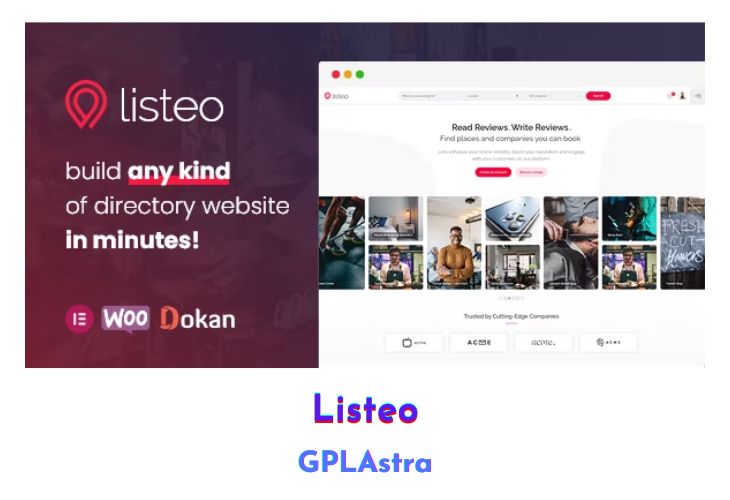
Listeo presents itself as the ultimate solution for creating a professional directory and classifieds website, boasting an array of powerful features designed to streamline the process. With its intuitive front-end user dashboard, built-in booking system, and private messaging functionality, Listeo offers a seamless experience for both administrators and users. Whether you aim to build a platform akin to TripAdvisor, Yelp, or Airbnb, Listeo provides the tools necessary to achieve this goal effortlessly.
The advanced booking system caters to various needs, allowing users to book accommodations, reserve spots at establishments like restaurants or car washes, and even purchase tickets for events, all managed through a user-friendly interface. Additionally, Listeo offers monetization opportunities, enabling website owners to charge for listing submissions, offer packages or subscriptions, and earn fees on every booking service, enhancing revenue potential.
| Name | Listeo |
| Type | WordPress Theme |
| Version | 2.0.31 |
| File Name | listeo |
| File Type | rar (Archive, please extract before use) |
| File Host | mediafire.com | Mirror |
| Updated On: | 15 hours ago |
Core Features of Listeo WordPress Theme
- User Dashboard for easy management of listings, bookings, packages, profile details, and private messages.
- Advanced Booking System with options for renting accommodations, reserving services, and purchasing event tickets.
- Monetization options including charging for listing submissions, offering packages or subscriptions, and earning fees on booking services.
- Various Map Providers including alternatives to Google Maps API such as OpenStreetMap, MapBox, and Bing Maps.
- Location autocomplete feature powered by OpenStreetMap for improved user experience without relying on Google API.
- Private Messaging system for communication between users and listing owners.
- Reviews functionality allowing users to add and manage reviews for goods and services.
- Automatic Notifications for important events such as bookings, payments, and listing expiration.
- One Click Demo Install for easy setup and content installation.
- Additional features include support for guest and owner user roles, Google reCAPTCHA, AJAX-powered search results, claim listing feature, integration with popular plugins like Revolution Slider and WP Bakery Page Builder, Contact Form 7 integration, over 2000+ icons available, and multiple listing list styles for customization.
What’s New (Changelog) in Listeo v2.0.31
v2.0.31 - 05/02/2026
Quick fix for sanitize array error on Submit Listing form editor
Sales Page and Live Demo of Listeo WordPress Theme
https://themeforest.net/item/listeo-directory-listings-wordpress-theme/23239259
Free Download Listeo Latest Version
⚡ Premium Access
Unlock All Premium Features
Unlimited Downloads
No Restrictions
Direct Download Links
Access to Private Content
Frequently Asked Questions (FAQs):
Here are some frequently asked questions related to Listeo WordPress Theme that might help you while installing it on your WordPress site:


