Besa v2.3.17 WordPress Theme
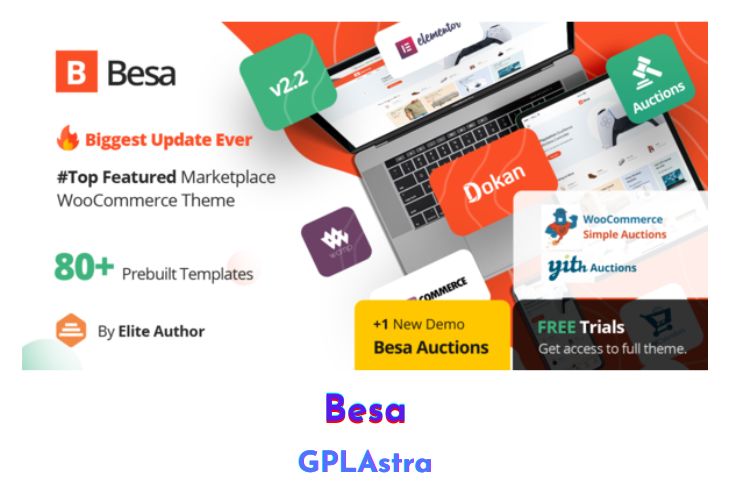
Besa – Elementor Marketplace WooCommerce Theme is the ultimate solution for eCommerce businesses seeking to elevate their online presence. With its clean and modern design, Besa caters to any online store, offering seamless integration with Elementor for effortless website building. Its striking mobile design ensures an engaging browsing experience for customers, captivating their attention and driving sales. Besa streamlines the shopping journey with a convenient mobile menu and provides a vast array of options, boasting over three hundred pages and one-click demo content import for swift setup. From captivating home and product pages to user-friendly contact sections and a hassle-free checkout process, Besa delivers a comprehensive toolkit for eCommerce success, accessible to both novices and seasoned professionals alike.
| Name | Besa |
| Type | WordPress Theme |
| Version | 2.3.17 |
| File Name | besa |
| File Type | rar (Archive, please extract before use) |
| File Host | mediafire.com | Mirror |
| Updated On: | 2 weeks ago |
Core Features of Besa WordPress Theme
- 3+ Unique & Beautiful Home Pages Design
- WordPress 5.3+ and WooCommerce 3.8 Ready
- Revolution Slider 6.1 Ready
- Compatible with Elementor and WOOF – WooCommerce Products Filter 2.1.x
- Font Awesome Version 5 and Font Simple Line Icons Ready
- One Click Demo Installation and Catalog Mode
- Modern Minimalist Design with Optimized Mobile Layout
- Online Documentation, 24/7 Support Ticket System, and Video Tutorials
- Mega Main Menu and Vertical Menu
- Custom CSS & JS in Theme Settings
- Products Carousel and Latest Posts Carousel
- Grid View and List View for Shop Page
- Product Quick View, Search Product AJAX, Wishlist, and Compare Support
- Instagram Element and MailChimp For WordPress Integration
- Powered by Redux Framework with Social Icon Links and Error 404 Page Included
- Flexible Theme Options for Easy Customization
- High Speed & Performance with SEO Optimization
- RTL Language Support and Cross Browser Compatibility
- Free Lifetime Updates for Continuous Improvement.
What’s New (Changelog) in Besa v2.3.17
v2.3.17 - February 10, 2026
- Compatible with WooCommerce 10.5.x
- [FIX] Fix Out Of Date the file "besa/woocommerce/single-productproduct-image.php"
Sales Page and Live Demo of Besa WordPress Theme
https://themeforest.net/item/besa-elementor-marketplace-woocommerce-theme/25205400
Free Download Besa Latest Version
⚡ Premium Access
Unlock All Premium Features
Unlimited Downloads
No Restrictions
Direct Download Links
Access to Private Content
Frequently Asked Questions (FAQs):
Here are some frequently asked questions related to Besa WordPress Theme that might help you while installing it on your WordPress site:


