Adforest v6.0.12 WordPress Theme
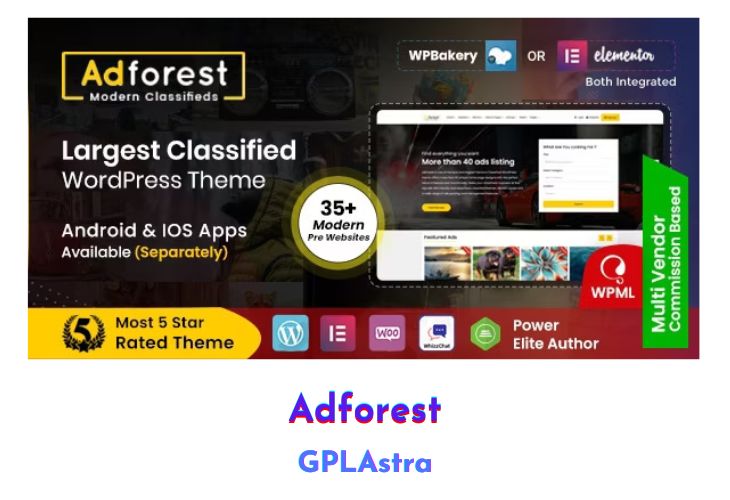
AdForest stands at the forefront of Premium Classified Ads WordPress themes, boasting an exceptional front-end UI that sets it apart. With a myriad of color options and robust WP functionality, this theme provides unparalleled versatility for ad posting. Integrated with Google Maps, AdForest offers seamless navigation and location-based features, enhancing the user experience. Crafted for the modern era, AdForest ensures that your classified business shines amidst the competition, offering a comprehensive solution to effortlessly sell products online. Whether you’re a seasoned entrepreneur or just starting out, AdForest provides the tools and platform to elevate your classified business to new heights.
| Name | Adforest |
| Type | WordPress Theme |
| Version | 6.0.12 |
| File Name | adforest |
| File Type | rar (Archive, please extract before use) |
| File Host | mediafire.com | Mirror |
| Updated On: | 4 weeks ago |
Core Features of Adforest WordPress Theme
- Premium Classified WordPress Theme with Fully Responsive Design
- Multiple Reusable Sections with Extensive Customization Options
- Built with HTML5, CSS3, Bootstrap 3.7, and JQuery 3.1
- Complete Classifieds Solution Catering to Various Ad Posting Requirements
- Strong Focus on Typography, Usability, and Overall User Experience
- Quick Setup and Easy Customization for Seamless Implementation
- Extensive Documentation for Guided Setup and Configuration
- Designed to Accommodate Any Kind of Classified Business Worldwide
- Google Maps Integration for Enhanced Navigation and Location-Based Features
- Exceptional Front-End UI for Outstanding User Engagement
- Integration of Latest Technologies for Optimal Performance and Functionality.
What’s New (Changelog) in Adforest v6.0.12
Change log / Updates: v 6.0.12 —— December 12th, 2025
Added:
1. Added notifications for ad status changes and order status updates.
2. Added Top Locations feature to highlight popular locations.
3. Updated mobile menu to slide from the side instead of top-to-bottom.
4. Added email verification for users registered with phone numbers.
5. Multiple UI/UX fixes across theme templates for better responsiveness and clarity.
Security Enhancements:
1. Input Sanitization & Validation
2. Nonce & CSRF Protection
3. Capability & Permission Checks
4. Secure File Upload Handling
5. Output Escaping Across Templates
6. Critical Security Issue Fixes
Update:
1. Update All theme required plugins.
2. Updated outdated WooCommerce versions.
Fixed:
1. Date issues on ad info card.
2. User role selection issue.
3. Fixed tag search result html issue.
4. Price display issue on ad detail page.
5. Fixed event submit button not working.
6. Fixed missing translation issue.
7. Fixed favorite Ad saving issue.
8. Fixed all user reported issues.
Sales Page and Live Demo of Adforest WordPress Theme
https://themeforest.net/item/adforest-classified-wordpress-theme/19481695
Free Download Adforest Latest Version
⚡ Premium Access
Unlock All Premium Features
Unlimited Downloads
No Restrictions
Direct Download Links
Access to Private Content
Frequently Asked Questions (FAQs):
Here are some frequently asked questions related to Adforest WordPress Theme that might help you while installing it on your WordPress site:


