Smart Slider 3 Pro v3.5.1.32 Plugin
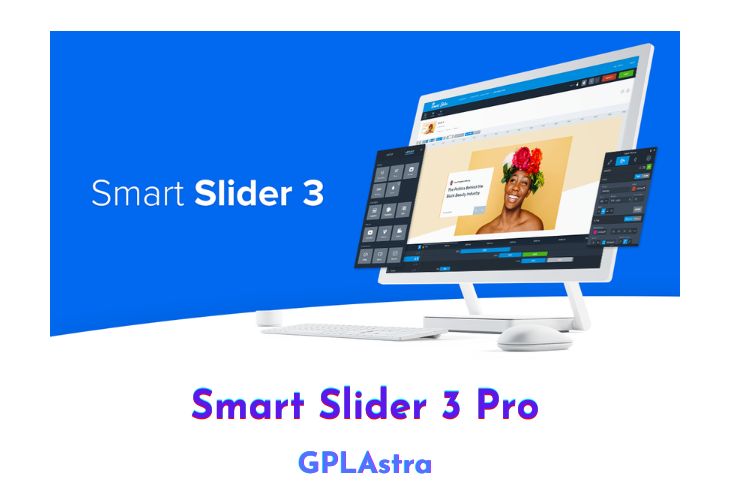
Smart Slider 3 PRO is a premium plugin that provides advanced features to enhance and customize sliders and blocks on websites. With 11 new layers and a powerful layer animation system, users can easily create motion and transitions within their sliders.
The plugin also offers a wide range of professionally designed slider templates, a dynamic content generator, image optimization, SEO-friendly HTML structure, customizable controls, a lightbox option for images and videos, text animation, dynamic slider height adjustment, actions and events trigger, device-specific options, and expert settings for even more control. With all these features, Smart Slider 3 PRO enables users to create next-generation sliders and blocks in minutes, making their websites unique, visually appealing, and engaging.
| Name | Smart Slider 3 Pro |
| Type | Plugin |
| Version | 3.5.1.32 |
| File Name | nextend-smart-slider3-pro |
| File Type | zip (Installable Archive) |
| File Host | mediafire.com | Mirror |
| Updated On: | 1 month ago |
Core Features of Smart Slider 3 Pro Plugin
- More Layers: 11 new layers to enhance your sliders and make your website unique and grandiose.
- Layer Animations: a powerful layer animation system that provides motion and transitions for layers within the slider.
- Visual Timeline: an interactive visual timeline where users can easily change details of the layer animations.
- Template & Slide Library: a wide range of professionally designed slider templates from modern to minimalist and classic designs.
- Dynamic Content Generator: generate sliders from external sources such as WordPress, Joomla, Flickr, Instagram, YouTube, VirtueMart, WooCommerce, and 32 other sources.
- Image Optimization: optimize and preload images to improve website loading speed.
- SEO Friendly: an HTML structure that ensures the best results for search engine ranking positions.
- New Controls: tweak new arrows, bullets, and thumbnails with new customization options.
- Lightbox Option: enables images and videos to display in a lightbox for a better user experience.
- Text Animation: animate text by words or characters.
- Dynamic Height: adjust the slider height dynamically for the perfect experience on every device.
- Actions and Events: trigger custom events in response to actions like mouse clicks or scroll events.
- Device-Specific Options: make the slider enjoyable on any device, whether it’s a mobile, tablet, or desktop.
- Expert Settings: an expert mode that unlocks numerous options to give users even more control over their sliders.
What’s New (Changelog) in Smart Slider 3 Pro v3.5.1.32
Feature: Gutenberg block updated to v3 API.
Fix: Vulnerability improvement for the WordPress Pro version.
Fix: Background video did not work with Slide hide on.
Other: Black Friday notification added.
Sales Page and Live Demo of Smart Slider 3 Pro Plugin
https://smartslider3.com/pro-features/
Free Download Smart Slider 3 Pro Latest Version
Mediafire:
https://www.mediafire.com/file/ak3vkp6hi472u53/nextend-smart-slider3-pro.3.5.1.32.zip/fileMirror:
https://mir.cr/TIK0GCEV
Templates Library:
https://mir.cr/698GTIVJhttps://send.cm/41f1j3i9nnye
Frequently Asked Questions (FAQs):
Here are some frequently asked questions related to Smart Slider 3 Pro Plugin that might help you while installing it on your WordPress site: