Royal Elementor Addons Pro v1.5.98 Plugin
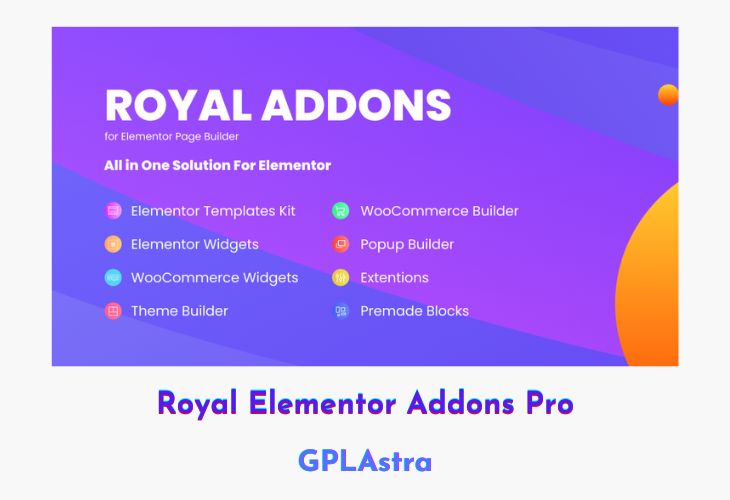
Royal Elementor Addons Pro is a premium extension pack built to supercharge the Elementor page builder with advanced widgets, design tools, and customization options. It empowers users to craft professional, feature-rich websites effortlessly, combining creativity with precision. Whether you’re designing landing pages, portfolios, eCommerce sites, or corporate websites, Royal Elementor Addons Pro provides everything you need to bring your vision to life — from elegant sliders and advanced tabs to dynamic forms and animation controls.
With seamless integration and a user-friendly interface, this addon ensures a smooth workflow while expanding Elementor’s capabilities beyond its standard features. Every widget is optimized for speed, responsiveness, and design flexibility, helping you maintain fast-loading pages that look stunning on all devices. Royal Elementor Addons Pro is ideal for both beginners and professionals seeking a modern, all-in-one toolkit to elevate their WordPress design experience.
| Name | Royal Elementor Addons Pro |
| Type | Plugin |
| Version | 1.5.98 |
| File Name | wpr-addons-pro |
| File Type | zip (Installable Archive) |
| File Host | mediafire.com | Mirror |
| Updated On: | 1 month ago |
Core Features of Royal Elementor Addons Pro Plugin
- Extensive Widget Library: Access 70+ advanced widgets including sliders, pricing tables, testimonials, and more.
- Custom Animations: Add engaging motion effects and transitions to enhance visual appeal.
- Advanced Form Builder: Create and style forms with full control over design and functionality.
- Dynamic Content Support: Integrate custom fields and post data for personalized content layouts.
- Responsive Design Tools: Ensure pixel-perfect designs across desktops, tablets, and mobiles.
- Global Styling Options: Apply consistent colors, typography, and design rules site-wide.
- Popup & Modal Widgets: Build interactive popups and call-to-action modals without extra plugins.
- WooCommerce Integration: Add product grids, carts, and category elements for eCommerce sites.
- Custom Section Extensions: Introduce particles, gradients, and shape dividers for unique layouts.
- Lightweight Performance: Optimized coding ensures speed and efficiency without bloating your site.
- One-Click Presets: Instantly apply pre-built design styles for faster workflow.
- Seamless Elementor Compatibility: Works perfectly with both free and Pro versions of Elementor.
What’s New (Changelog) in Royal Elementor Addons Pro v1.5.98
Changelog Not Found!
Sales Page and Live Demo of Royal Elementor Addons Pro Plugin
https://royal-elementor-addons.com/
Free Download Royal Elementor Addons Pro Latest Version
⚡ Premium Access
Unlock All Premium Features
Unlimited Downloads
No Restrictions
Direct Download Links
Access to Private Content
Frequently Asked Questions (FAQs):
Here are some frequently asked questions related to Royal Elementor Addons Pro Plugin that might help you while installing it on your WordPress site: