Food Menu Pro v4.0.1 Plugin
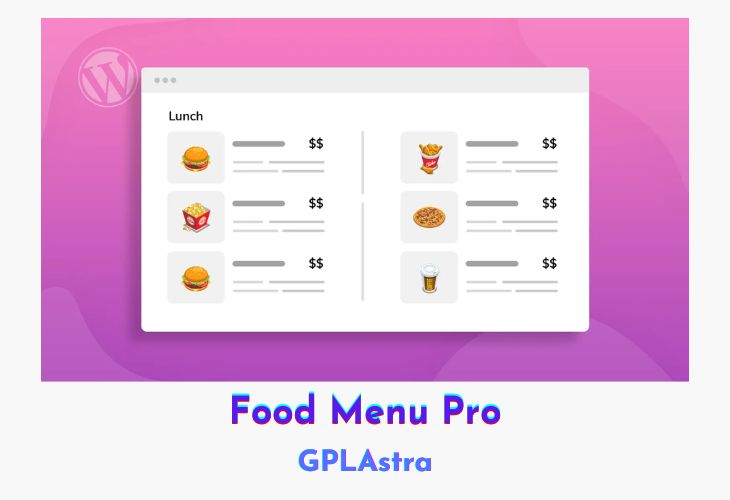
Food Menu is a WordPress restaurant menu plugin that provides an easy and customizable way to showcase food items for any type of food business. The plugin’s customizable features make it simple for users to present their menus in a visually engaging manner, thus increasing the chances of visitor conversions.
Food Menu allows users to choose between using a simple Food Menu post type or a Woocommerce product if they want to use online ordering. The plugin offers Even & Masonry Grid layout options for users to select from. Users can enable controls for ingredients, nutrition, and reviews to be displayed in the frontend. Additionally, unlimited shortcode generation allows users to customize their menus precisely as per their requirements. Category filters can be used to display specific or multiple categories of menu items.
The plugin also enables the use of drag-and-drop functionality for Ingredient and Nutrition control. Visitors can view detailed food menus as pop-ups without a page refresh, and multiple images can be added for gallery view to provide a more detailed look at the food items. Users can also reorder menu items on the menu list by dragging and dropping them. Multiple pagination options are available, including default number pagination and AJAX pagination.
| Name | Food Menu Pro |
| Type | Plugin |
| Version | 4.0.1 |
| File Name | food-menu-pro |
| File Type | zip (Installable Archive) |
| File Host | mediafire.com | Mirror |
| Updated On: | 1 week ago |
Core Features of Food Menu Pro Plugin
- Data source post type on Woocommerce: Users can use the simple Food Menu post type or Woocommerce product if they want to use online ordering.
- Even & Masonry grid: Users can select either an even or masonry layout for grid displays.
- Enable ingredient, nutrition & review control: Users can choose to show ingredient, nutrition, and review controls in the front.
- Unlimited shortcode generator control: Users can generate unlimited shortcodes with different controls and call them on any page.
- Category filter: Users can use a category filter to display specific or multiple categories of menu items.
- Drag and drop ingredients: Users can use pre-defined ingredients by dragging and dropping them in the Food Menu post-type data source.
- Single item popup: Visitors can view detailed food menus as pop-ups without refreshing the page.
- Currency settings: Users can select their currency from the settings.
- Multiple paginations: The plugin offers multiple pagination options like default number pagination and AJAX pagination.
- Drag and drop nutrition: Users can use pre-defined nutrition by dragging and dropping them in the Food Menu post-type data source.
- Gallery images: Users can add multiple images for the gallery view to provide a more detailed look at the food items.
- Drag & drop ordering: Users can reorder menu items on the menu list by dragging and dropping them.
What’s New (Changelog) in Food Menu Pro v4.0.1
Fixed: Floating Price not working in variable food menu.
Fixed: Food Menu Posts sorting (menu-order) not working.
Sales Page and Live Demo of Food Menu Pro Plugin
https://www.radiustheme.com/downloads/food-menu-pro-wordpress/
Free Download Food Menu Pro Latest Version
⚡ Premium Access
Unlock All Premium Features
Unlimited Downloads
No Restrictions
Direct Download Links
Access to Private Content
Frequently Asked Questions (FAQs):
Here are some frequently asked questions related to Food Menu Pro Plugin that might help you while installing it on your WordPress site: