Fluent Boards Pro v1.91.2 Plugin
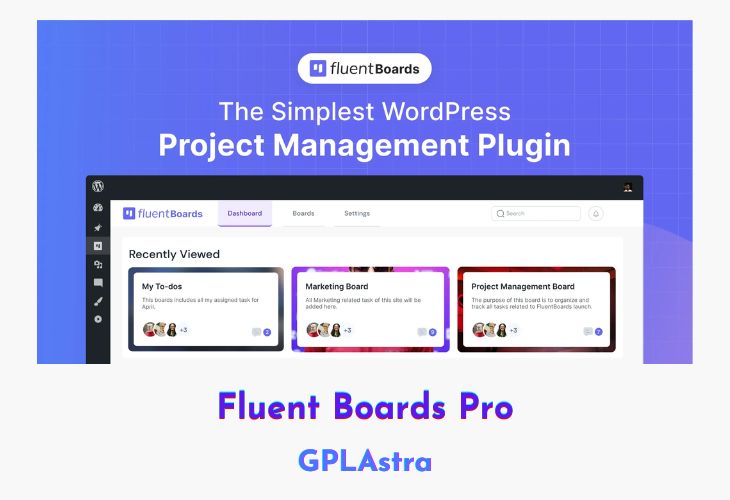
FluentBoards Pro is the simplest and most efficient project management plugin designed exclusively for WordPress, offering a seamless way to organize tasks, track progress, and collaborate effortlessly. With its intuitive drag-and-drop interface, unlimited boards, and multi-stage workflow, FluentBoards Pro eliminates complexity while ensuring teams stay productive. Whether you’re handling client projects, managing internal tasks, or integrating with CRM tools, this plugin provides an all-in-one solution to streamline your workflow. Plus, its deep integration with the WordPress ecosystem allows you to enhance functionality using automation tools, CRM triggers, and even Trello board migration.
FluentBoards Pro offers a feature-rich experience with unlimited projects, customizable workflows, and a visually appealing interface. It enables precise goal-setting with due dates, priority management, and real-time progress tracking. The plugin also enhances collaboration by allowing clients to add tasks via Fluent Forms and centralizing support tickets on a single dashboard. With dynamic admin controls, role management, activity tracking, and customizable labels and covers, FluentBoards Pro ensures an efficient and vibrant project management experience, tailored to your needs.
| Name | Fluent Boards Pro |
| Type | Plugin |
| Version | 1.91.2 |
| File Name | fluent-boards-pro |
| File Type | zip (Installable Archive) |
| File Host | mediafire.com | Mirror |
| Updated On: | 4 weeks ago |
Core Features of Fluent Boards Pro Plugin
Effortless Project Management
- Unlimited projects, tasks, and assignees
- Multi-stage workflow for streamlined processes
- Drag-and-drop task management
- CRM integration for seamless client handling
- Task automation with FluentCRM triggers
- Frontend portal for client collaboration
Enhanced Collaboration & Tracking
- Kanban board & table view for visual project tracking
- Smart switching between views for flexibility
- Color-coded labels, tags, and customizable covers
- Priority management to focus on critical tasks
- Due dates and time tracking for better scheduling
- Quick search and advanced filtering options
Smooth Team & Resource Management
- Dynamic admin dashboard for complete oversight
- Activity tracking and notifications management
- Role-based access control for better security
- Resource allocation and team management tools
- Feature management for customized workflows
Seamless Integration & Migration
- Add CRM contacts directly to tasks
- Enable clients to submit tasks via Fluent Forms
- Centralized support tickets on one dashboard
- Easy migration from Trello boards
- Template creation for reusable project structures
What’s New (Changelog) in Fluent Boards Pro v1.91.2
= v1.91.2 (Date: January 26, 2025) =
-Improvement: Auth policy update for better security.
-Fixed: Digital Ocean file upload issue.
Sales Page and Live Demo of Fluent Boards Pro Plugin
https://fluentboards.com/
Free Download Fluent Boards Pro Latest Version
⚡ Premium Access
Unlock All Premium Features
Unlimited Downloads
No Restrictions
Direct Download Links
Access to Private Content
Frequently Asked Questions (FAQs):
Here are some frequently asked questions related to Fluent Boards Pro Plugin that might help you while installing it on your WordPress site: