Divi Essential v5.1.0 WordPress Plugin
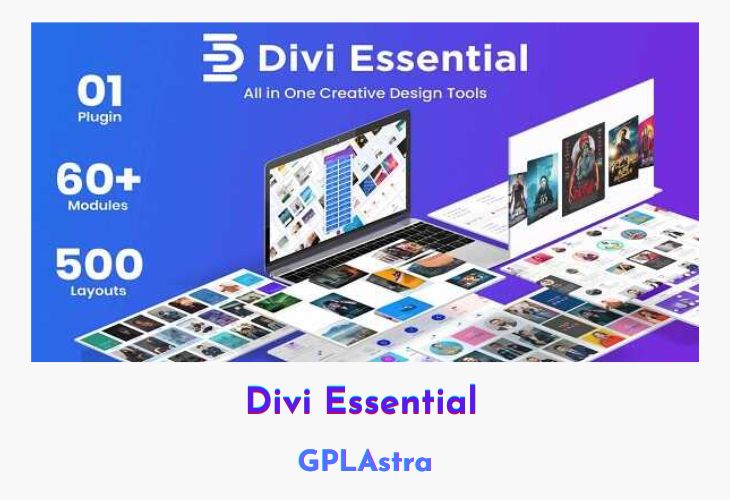
Divi Essential is a powerful extension for the Divi theme that introduces a comprehensive set of essential modules, empowering you to design professional, well-organized, and sleek-looking websites with ease. Tailored for Divi users, this plugin brings together a collection of versatile modules, each designed to elevate your website’s visual appeal and functionality.
From adding trendy text animations and stunning 3D flip boxes to showcasing reviews, team members, and product offerings in captivating layouts, Divi Essential equips you with an extensive range of tools to create unique and engaging content. Whether you’re looking to showcase your team, display logos, or incorporate creative sliders and carousels, this plugin has you covered with its diverse and innovative module offerings.
| Name | Divi Essential |
| Type | WordPress Plugin |
| Version | 5.1.0 |
| File Name | divi-essential |
| File Type | zip (Installable Archive) |
| File Host | mediafire.com | Mirror |
| Updated On: | 3 days ago |
Core Features of Divi Essential WordPress Plugin
- Divi Text Animation Module: Add trendy animations to text elements
- Divi 3D Flip Box Module: Create boxes with a 3D effect for showcasing content
- Divi Flip Box Module: Flip between front and back designs with images, text, and colors
- Divi Review Module: Display reviews and testimonials about your services or products
- Next Blurb Module: Versatile tool for creating unique web content
- Divi Logo Carousel Module: Showcase logos in a horizontally sliding carousel
- Divi 3D Cube Slider Module: Incorporate sliding images on a cube-like shape
- Divi Coverflow Slider Module: Vertical image slider with a top-to-bottom sliding motion
- Divi Gallery Slider Module: Horizontal image slider for showcasing galleries
- Divi Creative Team Module: Present your team in a trendy and visually appealing way
- Divi Team Member Overlay Module: Add hover color overlays to team member images
- Divi Team Overlay Card Module: Card layout with overlay effects on team member images
- Divi Team Social Reveal Module: Reveal team members’ social media links on hover
- Divi Next Person Module: Minimal display of team members and their occupations
- Divi Next Button Module: Design creative and unique buttons
- Divi Next Dual Button Module: Create pairs of uncommon buttons
- Divi Price List Module: Beautify and showcase your service or product price lists
What’s New (Changelog) in Divi Essential v5.1.0
v5.1.0
- Added: Stripe Button module
- Added: Countdown module
- Added: Scroll Stacked Cards module
- Added: Interactive Circle module
Sales Page and Live Demo of Divi Essential WordPress Plugin
https://www.elegantthemes.com/marketplace/divi-essential/
Free Download Divi Essential Latest Version
⚡ Premium Access
Unlock All Premium Features
Unlimited Downloads
No Restrictions
Direct Download Links
Access to Private Content
Frequently Asked Questions (FAQs):
Here are some frequently asked questions related to Divi Essential WordPress Plugin that might help you while installing it on your WordPress site:
Hello, could you bring a new update?