WP Eventin Pro v4.1.3 Plugin
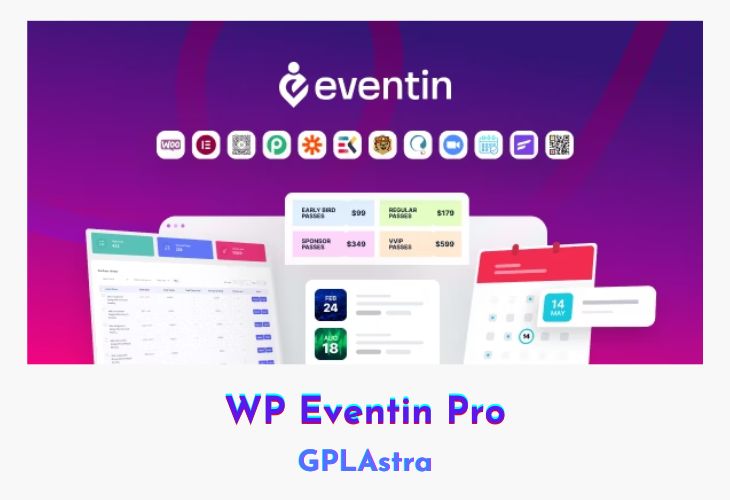
WP Eventin Pro is an extensive event management plugin for WordPress, designed to grow your online event management business with a rich set of features. This plugin supports multiple WordPress builders, including Oxygen Builder, Bricks Builder, DIVI Builder, Elementor Builder, Gutenberg Builder, and Visual Composer Builder, ensuring seamless integration and flexibility. WP Eventin Pro is crafted to create memorable events with its comprehensive features, allowing for efficient management and organization of both single and multiple events. From multi-vendor event marketplaces to detailed analytics reports, Eventin Pro covers all aspects of event management, making it an indispensable tool for any event organizer.
WP Eventin Pro provides a robust platform for managing recurring events, ticketing, attendee information, and payment systems. It features unique QR codes for attendees, multi-tier ticket pricing, and custom fields for attendee forms, offering a tailored experience for each event. The plugin integrates smoothly with WooCommerce for payments and coupons, and supports Stripe for additional payment options. With integrations for Groundhogg and FluentCRM, Eventin Pro also enhances marketing and customer relationship management. Additionally, it includes functionalities like showcasing speakers and organizers, event venue mapping with Google Maps, and maintaining event details on user dashboards, ensuring a comprehensive solution for event management.
| Name | WP Eventin Pro |
| Type | Plugin |
| Version | 4.1.3 |
| File Name | eventin-pro |
| File Type | rar (Archive, please extract before use) |
| File Host | mediafire.com | Mirror |
| Updated On: | 4 days ago |
Core Features of WP Eventin Pro Plugin
- Builder Support
- Oxygen Builder
- Bricks Builder
- DIVI Builder
- Elementor Builder
- Gutenberg Builder
- Visual Composer Builder
- Event Management
- Multivendor event marketplace
- Unique QR code for attendees
- Recurring events maintenance
- Event calendar view
- Simplified schedule management
- Showcase speakers/organizers
- Unlimited single/multiple events
- Multi-tier ticket pricing
- Unique attendee management
- Custom fields for attendee forms
- Analytics and Reports
- Detailed analytics report
- Payment Systems
- WooCommerce payment system
- WooCommerce coupons for events
- Stripe payment system
- Integrations
- Groundhogg integration
- FluentCRM integration
- User Experience
- Event venue with Google Maps
- Purchased event details on user’s dashboard
What’s New (Changelog) in WP Eventin Pro v4.1.3
= v4.1.3 ( February 17, 2026 ) =
New : Updated frontend dashboard and Dokan vendor category and tag table list UI
New : Improved frontend dashboard and Dokan vendor category and tags filtering
New : Added frontend dashboard and Dokan vendor category export/import feature
Fix : Certificates are now sent only to published, successful attendees
Sales Page and Live Demo of WP Eventin Pro Plugin
https://themewinter.com/eventin/
Free Download WP Eventin Pro Latest Version
⚡ Premium Access
Unlock All Premium Features
Unlimited Downloads
No Restrictions
Direct Download Links
Access to Private Content
Frequently Asked Questions (FAQs):
Here are some frequently asked questions related to WP Eventin Pro Plugin that might help you while installing it on your WordPress site:



MediaFire Error: Unable to fetch details.
Thank you for this effort and I always click on ads to support you, thank you. ^_^