WooCommerce Email Template Customizer v1.2.18 Plugin
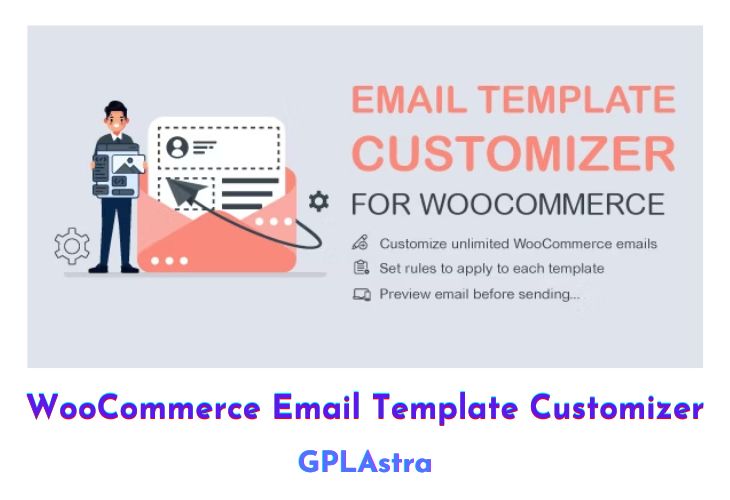
The WooCommerce Email Template Customizer is a helpful tool that helps you build and customize the email templates for WooCommerce. The plugin provides sufficient base elements and WooCommerce elements, as well as developmental tools for users to build a completed email. You can easily drag and drop, edit, and style transaction emails using layouts, and insert desired contents with no coding knowledge required. Overall, you need to do is a couple of mouse clicks to create and experience your email template that will be sent to your customers.
With this plugin, you can easily drag and drop elements to build and customize emails using the user-friendly email template builder. It offers various email elements, including basic elements, WooCommerce elements, and hooks, allowing you to add full shopping information and users’ information to your email templates. Additionally, you can add unlimited rows, select email types, billing countries, and categories, and preview changes live across different devices.
| Name | WooCommerce Email Template Customizer |
| Type | Plugin |
| Version | 1.2.18 |
| File Name | woocommerce-email-template-customizer |
| File Type | zip (Installable Archive) |
| File Host | mediafire.com | Mirror |
| Updated On: | 1 month ago |
Core Features of WooCommerce Email Template Customizer Plugin
- User-friendly drag-and-drop email template builder
- Email elements: Basic, WooCommerce, and hooks
- Add full shopping and user information to emails
- Unlimited number of rows in email templates
- Select email types, billing countries, and categories
- Live preview of changes on desktop and mobile
- Send test emails to check the design
- Add images, banners, logos, and featured images
- Display dynamic data with placeholders (customer name, site name, etc.)
- Compatibility with most VillaTheme plugins (e.g., WooCommerce Abandoned Cart Recovery, WooCommerce Photo Reviews)
- Responsive and works perfectly on any device
What’s New (Changelog) in WooCommerce Email Template Customizer v1.2.18
v1.2.18 - 2026.01.23
- Updated: VillaTheme support
Sales Page and Live Demo of WooCommerce Email Template Customizer Plugin
https://codecanyon.net/item/woocommerce-email-template-customizer/28656007
Free Download WooCommerce Email Template Customizer Latest Version
⚡ Premium Access
Unlock All Premium Features
Unlimited Downloads
No Restrictions
Direct Download Links
Access to Private Content
Frequently Asked Questions (FAQs):
Here are some frequently asked questions related to WooCommerce Email Template Customizer Plugin that might help you while installing it on your WordPress site:


