UserPro v5.1.11 WordPress Plugin
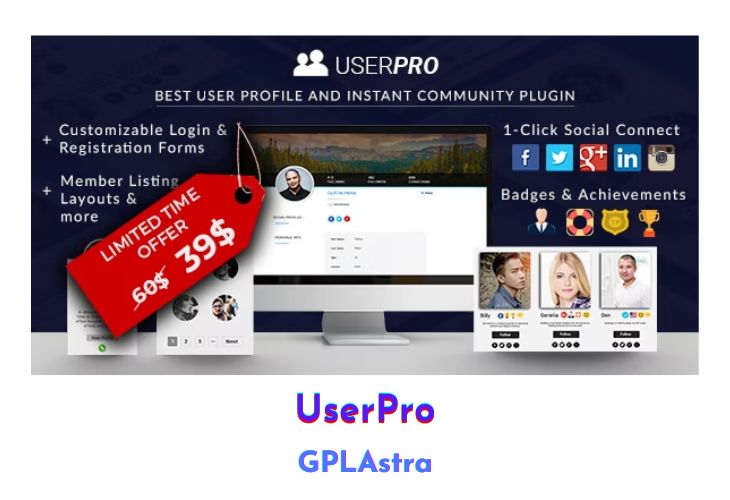
UserPro is an all-in-one plugin that helps you create a complete community website with beautiful front-end profiles, login, and registration functionality for WordPress. It offers a wide range of features, including social connect and integration, viral marketing, user badges, verified accounts, content restriction, public/private activity feeds, and more. UserPro is designed to provide a comprehensive solution for building a vibrant and engaging community around your website.
| Name | UserPro |
| Type | WordPress Plugin |
| Version | 5.1.11 |
| File Name | userpro |
| File Type | zip (Installable Archive) |
| File Host | mediafire.com | Mirror |
| Updated On: | 6 months ago |
Core Features of UserPro WordPress Plugin
- Beautiful front-end user profiles
- Seamless login and registration process
- Social connect and integration (ability to connect with social media accounts)
- Viral marketing tools
- User badges and achievements (manual or automatic assignment, custom badge uploads)
- Verified accounts feature
- Content restriction (full page/post restriction based on user roles or verified accounts)
- Site-wide or specific page locking for logged-out users
- Follow/Unfollow feature (users can follow/unfollow other community members)
- Social activity stream (public and private feeds showing recent user activities)
- Member listing layouts (standard table format, collage layout, customized lists)
- Member directory search with standard and custom filter options
- Enhanced members directory
- Front-end publisher (users can publish content directly from the front-end)
- Posts made by user (display posts by author dynamically, including on user profiles)
- Fully responsive design
- Shortcodes for displaying followers, following, and more
- Integration with custom post types and post categories
- User role management and permissions
- Customizable styling and branding options
- Translation-ready and multilingual support
- Regular updates and maintenance
What’s New (Changelog) in UserPro v5.1.11
v5.1.11 (3 Sep 2025)
- Fixed bug: Issue that caused settings tabs to not display in the UserPro settings page.
- Security fix.
Sales Page and Live Demo of UserPro WordPress Plugin
https://codecanyon.net/item/userpro-user-profiles-with-social-login/5958681
Free Download UserPro Latest Version
⚡ Premium Access
Unlock All Premium Features
Unlimited Downloads
No Restrictions
Direct Download Links
Access to Private Content
Frequently Asked Questions (FAQs):
Here are some frequently asked questions related to UserPro WordPress Plugin that might help you while installing it on your WordPress site:


