TotalDesk v1.8.1 WP Plugin
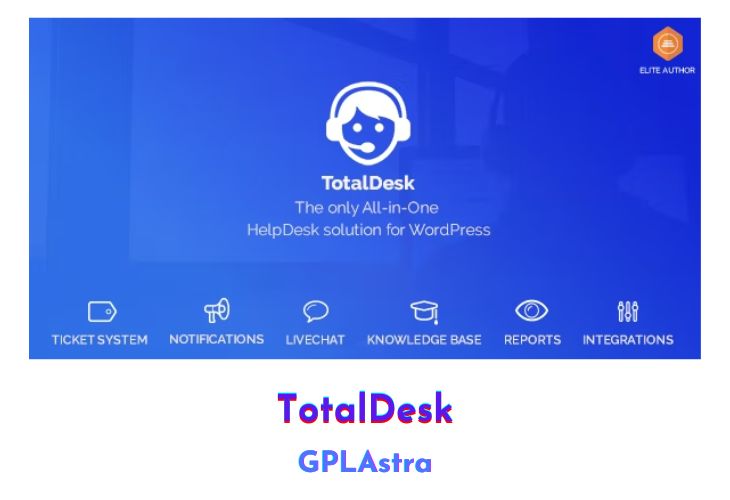
TotalDesk is a comprehensive all-in-one helpdesk solution designed for WordPress, offering a range of support features to replace the need for multiple plugins. This versatile plugin includes a ticket and notification system, live chat, a knowledge base, reporting capabilities, and integration modules, providing a full suite of tools to manage customer support effectively. With TotalDesk, users can streamline their support processes, improve communication, and enhance user satisfaction. It supports various functionalities such as ticket management with multiple forms, roles, statuses, and types, as well as robust notification options through email, desktop alerts, and Slack. Additionally, the live chat feature integrates seamlessly with the ticket system, and the knowledge base allows for the creation of FAQs and organized support content.
TotalDesk also provides detailed reporting options to monitor support performance and integrates smoothly with platforms like WooCommerce, Envato, and Slack, making it a versatile and powerful tool for any WordPress site. The plugin is well-documented, ensuring ease of use and implementation. Its design caters to both agents and reporters, offering features like saved replies, an HTML WYSIWYG comment form, and attachment support. The live chat function records conversations for future reference, and the knowledge base includes customizable icons, live search, and view tracking, enhancing the support experience for users and agents alike.
| Name | TotalDesk |
| Type | WP Plugin |
| Version | 1.8.1 |
| File Name | Unable to Find |
| File Type | Unable to Find |
| File Host | send.cm | Mirror |
| Updated On: | 2 years ago |
Core Features of TotalDesk WP Plugin
- Ticket System:
- Three different new ticket forms
- Inbox fetching
- Two roles: Agent and Reporter
- My Tickets page
- Set default values for new tickets
- Custom ticket statuses, types, and project/systems
- Attachment support
- Agent notifications
- HTML WYSIWYG comment form
- Saved replies
- Logging/history system
- XLS export
- Email replies for reporters and agents
- Ticket overview with status colors
- Set inbox archive folder
- Notifications:
- Email notifications
- Desktop notifications
- Slack notifications
- Notifications for ticket creation, replies, status changes, and agent assignments
- Live Chat:
- Start a chat with a new subject (new ticket)
- Enter a chat with a given ticket ID
- Send a message (new ticket) when no agent is online
- Save every chat conversation
- Knowledge Base:
- Create FAQs based on tickets
- Group FAQs into topics
- Custom icons for topics
- Live search for FAQs
- Track FAQ views
- Three built-in widgets
- Order FAQs by view/popularity
- Two layouts (boxed, list)
- Reports:
- Tickets by agent, status, type, system, year, month, and year & month
- Integrations:
- WooCommerce
- Envato
- Slack
- Additional Features:
- Well-documented
- Comprehensive support management in one plugin
What’s New (Changelog) in TotalDesk v1.8.1
1.8.1 ======
- FIX: Default agents by department not working
- FIX: Ticket exporter not working
- FIX: Downgraded PSR library
- FIX: PHP notices
Sales Page and Live Demo of TotalDesk WP Plugin
https://codecanyon.net/item/totaldesk/20502693
Free Download TotalDesk Latest Version
⚡ Premium Access
Unlock All Premium Features
Unlimited Downloads
No Restrictions
Direct Download Links
Access to Private Content
Frequently Asked Questions (FAQs):
Here are some frequently asked questions related to TotalDesk WP Plugin that might help you while installing it on your WordPress site:


