RnB v18.0.1 WordPress Plugin
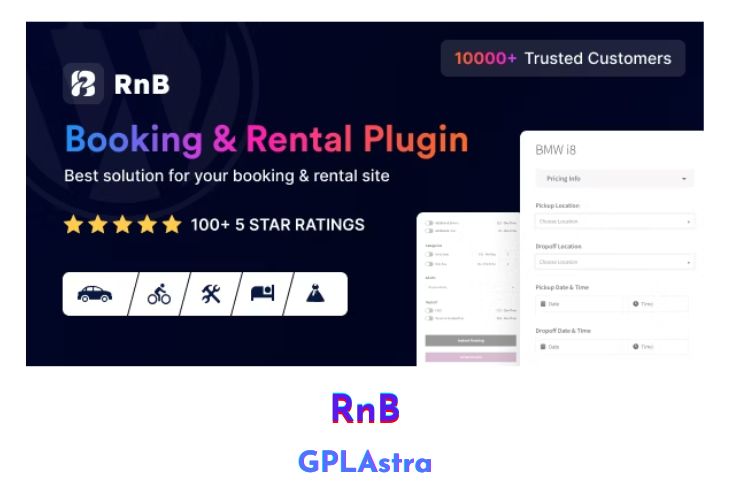
RnB – WooCommerce Rental & Bookings System is a powerful WordPress plugin that seamlessly integrates with WooCommerce, enabling you to sell time or date-based bookings and rentals directly from your website. Whether you’re renting out equipment, offering accommodation, or providing services, this versatile plugin provides you with the tools you need to streamline your booking process and manage your inventory effectively. With its comprehensive set of features, including flexible pricing configurations, availability controls, and customizable product attributes, RnB ensures a smooth and user-friendly experience for both you and your customers.
One of the standout features of RnB is its support for various pricing models, such as day-based, monthly (seasonal), day ranges, general, and hourly pricing configurations. Additionally, the plugin offers discounts based on rental duration for each pricing plan, ensuring that you can provide attractive deals to your customers. Other notable features include Google calendar order reporting, date blocking, unlimited payable resources and persons, pickup and return location management (including cost calculation), admin email notifications for new orders, and the ability to set pre-payments during booking.
| Name | RnB |
| Type | WordPress Plugin |
| Version | 18.0.1 |
| File Name | woocommerce-rental-and-booking |
| File Type | zip (Installable Archive) |
| File Host | mediafire.com | Mirror |
| Updated On: | 1 year ago |
Core Features of RnB WordPress Plugin
- Google calendar order report
- Day basis price configuration
- Monthly price configuration (Seasonal pricing)
- Day ranges price configuration
- General price configuration
- Hourly price configuration
- Discount on general pricing plan depending on rental days
- Discount on daily pricing plan depending on rental days
- Discount on monthly pricing plan depending on rental days
- Discount on day ranges pricing plan depending on rental days
- Car availability control
- Date blocking
- Unlimited payable resources
- Unlimited payable persons
- Three types of date formats
- Add unlimited product attributes
- Add unlimited product features
- Pickup and return location added
- Add pickup and return location cost
- Admin email notification during new order
- Set pre-payment during booking
- Seamless integration with WooCommerce
What’s New (Changelog) in RnB v18.0.1
v18.0.1 – 06 Feb 2025
- RNB: Optimized responsive layout for the RNB form.
- CSS: Enhanced styling and overall performance improvements.
- Tax: Fixed tax calculation issue in price summary.
Sales Page and Live Demo of RnB WordPress Plugin
https://codecanyon.net/item/rnb-woocommerce-rental-booking-system/14835145
Free Download RnB Latest Version
⚡ Premium Access
Unlock All Premium Features
Unlimited Downloads
No Restrictions
Direct Download Links
Access to Private Content
Frequently Asked Questions (FAQs):
Here are some frequently asked questions related to RnB WordPress Plugin that might help you while installing it on your WordPress site:


