HT Slider Pro v1.3.2 WP Plugin
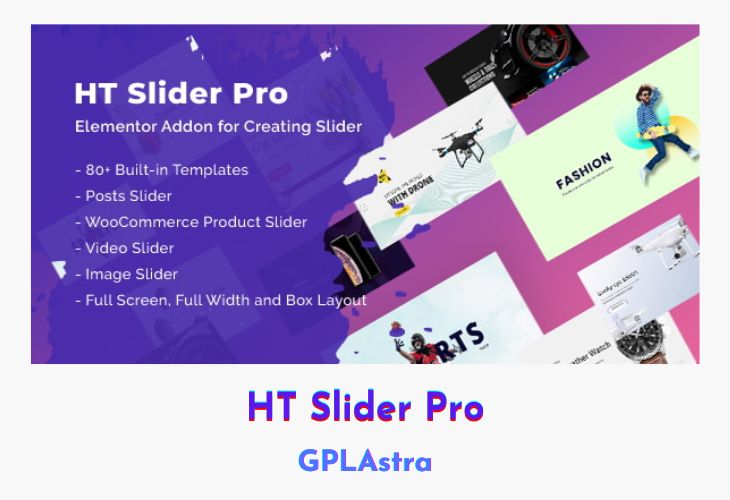
HT Slider Pro for Elementor is a powerful plugin designed to help WordPress users create stunning, high-performing sliders effortlessly within the Elementor builder. With its extensive collection of 80+ professionally pre-designed templates, the plugin enables users to elevate their website’s visual storytelling—be it for hero sections, product showcases, or marketing banners. Whether you’re a beginner or a seasoned designer, HT Slider makes it easy to add interactive and eye-catching sliders that keep visitors engaged.
This plugin seamlessly integrates into the Elementor environment, offering a drag-and-drop experience that supports dynamic content, WooCommerce products, and various post types. With advanced design flexibility, multiple layout styles, and support for diverse content like images, videos, text, and buttons, HT Slider ensures your content remains fresh and visually appealing. Its robust slider control options for navigation and pagination further refine the user experience, making it a must-have for any modern website built with Elementor.
| Name | HT Slider Pro |
| Type | WP Plugin |
| Version | 1.3.2 |
| File Name | ht-slider-addons-pro |
| File Type | zip (Installable Archive) |
| File Host | mediafire.com | Mirror |
| Updated On: | 7 months ago |
Core Features of HT Slider Pro WP Plugin
- No Coding Required: Create professional sliders in minutes without touching code
- 80+ Pre-Designed Templates: Ready-to-use slider designs for quick deployment
- Elementor Integration: Built to work smoothly inside Elementor’s interface
- Drag-and-Drop Builder: Easily arrange and customize content visually
- Universal Post Type Support: Add sliders using blog posts, custom post types, and more
- WooCommerce Product Integration: Showcase products dynamically in slider format
- Flexible Layout Options: Choose from various styles to match your site’s design
- Versatile Content Support: Use images, videos, buttons, text, and post content
- Dynamic Content Compatibility: Keep sliders relevant and automatically updated
- Customizable Navigation Controls: Tailor navigation arrows, dots, and pagination styles
- Responsive Design: Sliders adjust smoothly across all screen sizes
- Perfect for All Users: Ideal for website owners, designers, and beginners alike
- Interactive and Engaging: Enhance user engagement with dynamic and animated slides
- Fresh and Modern Aesthetic: Maintain a visually consistent and attractive UI across all devices
What’s New (Changelog) in HT Slider Pro v1.3.2
= Version: 1.3.2 - Date: 2025-07-03 =
* Added: Option to add an icon and set icon position for the "Read More" button in the Posts Slider widget.
* Fixed: A few minor issues.
* Tested: Compatibility with latest version of Elementor.
Sales Page and Live Demo of HT Slider Pro WP Plugin
https://hasthemes.com/plugins/ht-slider-pro-for-elementor/
Free Download HT Slider Pro Latest Version
⚡ Premium Access
Unlock All Premium Features
Unlimited Downloads
No Restrictions
Direct Download Links
Access to Private Content
Frequently Asked Questions (FAQs):
Here are some frequently asked questions related to HT Slider Pro WP Plugin that might help you while installing it on your WordPress site:


