WoowBot v14.1.4 WordPress Plugin
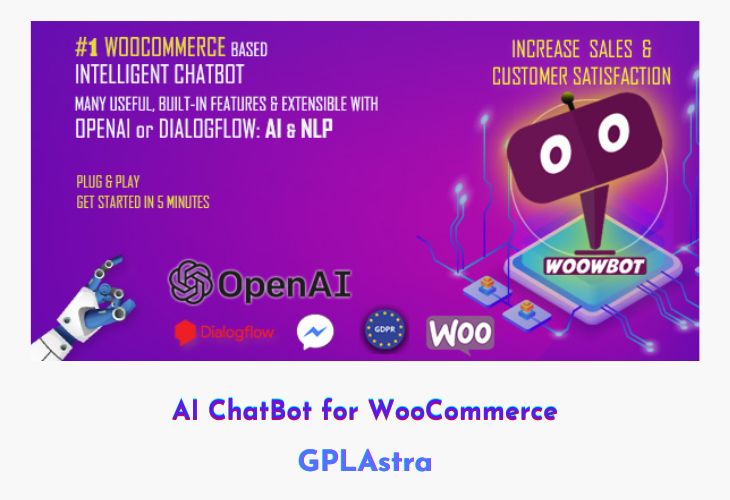
AI ChatBot for WooCommerce – WoowBot is an intelligent, plug-and-play conversational commerce plugin that transforms the way customers interact with your WooCommerce store. Powered by Google Dialogflow’s Natural Language Processing (NLP) and Artificial Intelligence (AI), it enables shoppers to search, browse, and add products to their cart directly through a friendly chat interface. With no coding required, WoowBot can communicate fluently in multiple languages, making it accessible to a global audience while delivering an engaging, personalized shopping experience.
WoowBot not only provides automated support and product assistance but also enhances conversions through advanced features like exit-intent offers, retargeting messages, and scheduled chat availability. Its integration with Facebook Messenger, WhatsApp, Viber, and other communication platforms ensures seamless live chat support when needed. From reducing cart abandonment to improving customer satisfaction, WoowBot bridges the gap between automation and real human interaction, giving your WooCommerce store a true next-generation shopping assistant.
| Name | WoowBot |
| Type | WordPress Plugin |
| Version | 14.1.4 |
| File Name | woowbot-pro-max |
| File Type | zip (Installable Archive) |
| File Host | mediafire.com | Mirror |
| Updated On: | 6 days ago |
Core Features of WoowBot WordPress Plugin
- AI & NLP Integration: Uses Google Dialogflow for smart, natural, and contextual chatbot conversations.
- Multilingual Support: Easily adapt the chatbot to communicate in any language for global shoppers.
- Built-in Live Chat: Integrates with Facebook Messenger for real-time human support alongside the bot.
- Onsite Retargeting: Display offers, coupons, or special messages based on exit intent or user behavior.
- Abandoned Cart Recovery: Reduce lost sales with automated checkout reminders and prompts.
- Order Tracking & Quick Cart: Allow users to view order status, browse products, and add to cart from chat.
- Customer Feedback & Call Me Back: Collect valuable feedback and callback requests effortlessly.
- 24/7 Automated Assistance: Provide round-the-clock support and product discovery without human intervention.
- Shortcode Integration: Create single-page shopping experiences using WoowBot shortcodes.
- Smart Trigger Controls: Configure chatbot availability by schedule, user action, or time interval.
- Analytics & Reporting: Track customer interactions, conversions, and engagement metrics easily.
- Multi-Platform Integration: Extend chat functionality via WhatsApp, Skype, Viber, or phone links.
- FAQ & Email Query Support: Automatically handle common inquiries or escalate them via email.
- Lightweight Setup: No dependency on third-party services for basic functionality.
What’s New (Changelog) in WoowBot v14.1.4
Changelog Not Found!
Sales Page and Live Demo of WoowBot WordPress Plugin
https://codecanyon.net/item/woowbot-woocommerce-chatbot/21426656
Free Download WoowBot Latest Version
⚡ Premium Access
Unlock All Premium Features
Unlimited Downloads
No Restrictions
Direct Download Links
Access to Private Content
Frequently Asked Questions (FAQs):
Here are some frequently asked questions related to WoowBot WordPress Plugin that might help you while installing it on your WordPress site:


