CheckoutWC v11.0.4 WordPress Plugin
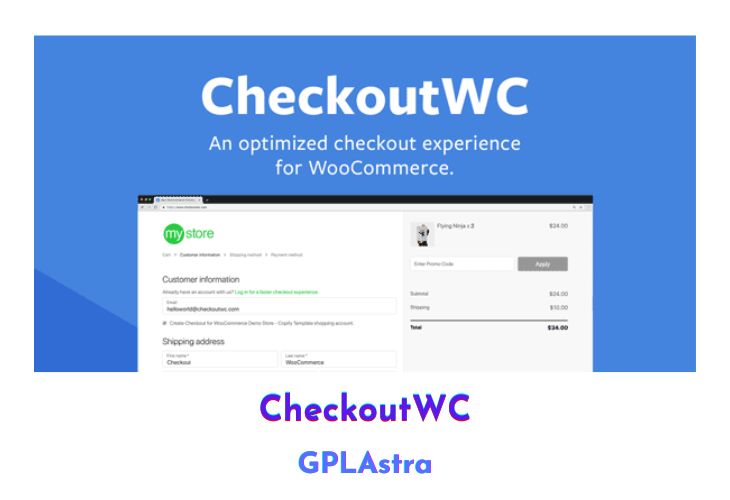
The CheckoutWC plugin is designed to enhance the checkout process for WooCommerce by providing an optimized, conversion-focused design. If you’re using the default WooCommerce checkout page, you may be losing up to 30% of potential customers, but Checkout for WooCommerce can help solve this problem.
One of the biggest benefits of Checkout for WooCommerce is its one-click solution that requires no configuration or coding knowledge, making it easy to use for even those without technical experience. Additionally, the plugin’s design is beautifully crafted, providing a seamless and enjoyable checkout experience for your customers.
In addition to the aesthetic features, Checkout for WooCommerce is also optimized for conversions. It streamlines the checkout process, making it easier and faster for customers to complete their purchase. The plugin’s design and features are built to reduce cart abandonment and increase sales, ultimately helping to grow your business.
Another great feature of Checkout for WooCommerce is that it is adaptable and works with all WordPress themes out of the box. The plugin is fully responsive, meaning it will adjust to any screen size, ensuring that your customers can easily make purchases from their desktop or mobile devices.
| Name | CheckoutWC |
| Type | WordPress Plugin |
| Version | 11.0.4 |
| File Name | checkout-for-woocommerce |
| File Type | zip (Installable Archive) |
| File Host | mediafire.com | Mirror |
| Updated On: | 2 weeks ago |
Core Features of CheckoutWC WordPress Plugin
- Checkout for WooCommerce replaces the default WooCommerce checkout page with a conversion-optimized design.
- The plugin is designed to increase sales by streamlining the checkout and payment processing process, thus reducing cart abandonment rates.
- It provides a one-click solution to optimize your checkout page without requiring any configuration or coding knowledge.
- The design is modern and aesthetically pleasing, providing a seamless checkout experience for customers.
- The plugin is fully responsive and works with all WordPress themes out of the box.
- It includes a mobile-friendly design, ensuring that customers can easily complete their purchases on their mobile devices.
- The plugin supports a range of payment options, including Stripe, PayPal, and more.
- It provides various checkout customization options, including the ability to add custom fields and set up multiple shipping and billing options.
- It includes support for one-click upsells, allowing you to offer additional products or services to customers after they complete their purchase.
- The plugin includes support for checkout recovery, enabling you to recover abandoned carts and follow up with customers who haven’t completed their purchases.
- It includes detailed reporting and analytics, allowing you to track checkout performance and identify areas for improvement.
What’s New (Changelog) in CheckoutWC v11.0.4
v11.0.4 - 2026.02.06
New - Added support for Reviewbird. When enabled Trust Badge review sync pulls reviews from Reviewbird instead of WooCommerce.
Improved - Reduced debounce delay for AJAX updates on checkout
Improved - Add support for Order Delivery for WooCommerce v4
Improved - A few performance improvements for the side cart to prevent loading checkout specific data outside of checkout context
Fix - Fix issue where Side Cart opened in Elementor Pro editor on publish
Fix - Fix how missing gravatar is handled for review trust badges
Fix - Fix suggested carousel rendering glitch with new View Product option
Fix - Fix translation loading triggered too early warning in WordPress 6.7+
Fix - Fix deprecation notice
Fix - Fix styling issue with express button spacing
Dev - Remove superfluous debug logging
Dev - Updated dependencies for security and performance
Sales Page and Live Demo of CheckoutWC WordPress Plugin
https://www.checkoutwc.com/
Free Download CheckoutWC Latest Version
⚡ Premium Access
Unlock All Premium Features
Unlimited Downloads
No Restrictions
Direct Download Links
Access to Private Content
Frequently Asked Questions (FAQs):
Here are some frequently asked questions related to CheckoutWC WordPress Plugin that might help you while installing it on your WordPress site: