Auto Image Attributes Pro v4.7 Plugin
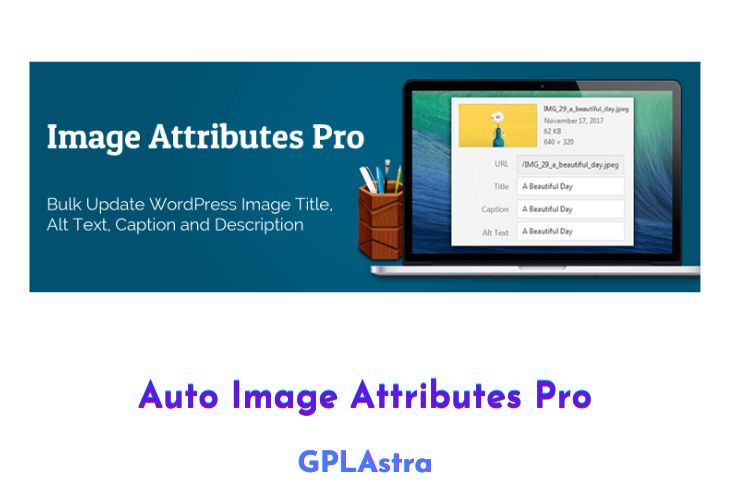
Introducing the Auto Image Attributes Pro – the absolute solution to save you time and effort in adding image attributes to your WordPress site. This powerful add-on expands on the already popular Auto Image Attributes From Filename With Bulk Updater plugin, allowing users to automatically add vital image details such as Image Title, Image Caption, Description And Alt Text from just the Image Filename.
| Name | Auto Image Attributes Pro |
| Type | Plugin |
| Version | 4.7 |
| File Name | auto-image-attributes-pro |
| File Type | zip (Installable Archive) |
| File Host | mediafire.com | Mirror |
| Updated On: | 4 months ago |
Core Features of Auto Image Attributes Pro Plugin
- Automatic Image Attribute Addition: With this plugin, you no longer have to manually input image attributes one by one. It does all the work for you by extracting them from the image filename itself!
- Support for New and Existing Images: Whether you’re uploading new images or updating old ones, this add-on has got you covered. You can apply the attribute addition to both new and existing images in your media library.
- Batch Processing Capability: Save precious time by processing multiple images at once! The bulk updater capability lets you update attributes for a whole batch of images all at once!
- User-Friendly Interface: The plugin’s interface is easy-to-use, letting you manage your images and their attributes without any hassle.
- Comprehensive Support: Should you encounter any issues using the plugin, the support team is ready to assist you every step of the way with excellent customer service.
What’s New (Changelog) in Auto Image Attributes Pro v4.7
= 4.7 =
* Date: 20.October.2025
* New Filter: [iaffpro_disable_event_logging](https://imageattributespro.com/codex/iaffpro_disable_event_logging/?utm_source=iap&utm_medium=readme). Use this filter to disable event log file generation.
* Enhancement: Updated event log messaging for cases where image attributes are not updated.
* Enhancement: Preserve hyphens separated by space while using the `Remove hyphens ( - ) from filename` filter. This is useful to include hyphens in the generated image attribute while removing unwanted hyphens.
* Enhancement: Added a confirmation dialog box before event log file deletion.
Sales Page and Live Demo of Auto Image Attributes Pro Plugin
https://imageattributespro.com/
Free Download Auto Image Attributes Pro Latest Version
⚡ Premium Access
Unlock All Premium Features
Unlimited Downloads
No Restrictions
Direct Download Links
Access to Private Content
Frequently Asked Questions (FAQs):
Here are some frequently asked questions related to Auto Image Attributes Pro Plugin that might help you while installing it on your WordPress site: