Greenmart v4.2.13 WordPress Theme
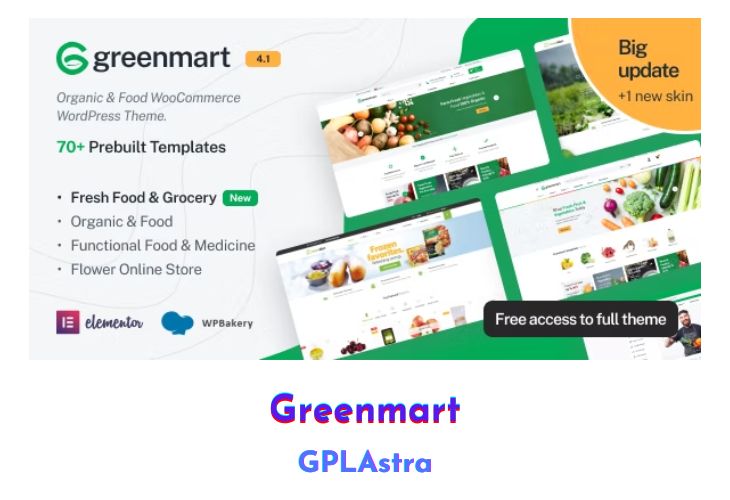
GreenMart stands as an Organic & Food WooCommerce WordPress Theme, offering unparalleled flexibility and customization options through its Powerful Theme Options. With GreenMart, you can effortlessly set and modify any element within minutes, including customizing Google fonts without the need for code. Primarily designed for Food & Organic Online Stores, GreenMart boasts full compatibility with SEO standards, ensuring high ratings on Google Search. Its fully responsive design guarantees seamless viewing experiences across various screen devices, from desktops to tablets and mobile phones, enhancing the shopping experience for customers.
Featuring 8+ distinct homepages, GreenMart offers a plethora of choices without sacrificing quality or design integrity. The innovative “One click import” function streamlines the data import process, eliminating the need for step-by-step imports. With this feature, customers can swiftly import all data, including content, widgets, Revolution slider, menus, and customizations, facilitating a seamless setup process. GreenMart also includes a host of features such as catalog mode, mega main menu, vertical menu, product quick view, AJAX shopping cart, product wishlist, and Instagram Element, among others, ensuring a feature-rich and engaging shopping experience for users.
| Name | Greenmart |
| Type | WordPress Theme |
| Version | 4.2.13 |
| File Name | greenmart |
| File Type | rar (Archive, please extract before use) |
| File Host | mediafire.com | Mirror |
| Updated On: | 2 weeks ago |
Core Features of Greenmart WordPress Theme
- WordPress 4.9+ Ready
- 8+ demos layouts catering to diverse needs
- WooCommerce 3.3 Ready for robust e-commerce functionality
- One-click import data for swift setup
- Catalog mode for simplified product browsing
- Modern minimalist design with mobile optimization
- Mega main menu and vertical menu options for enhanced navigation
- Revolution Slider 5.4.x and WPBakery Page Builder 5.4.x Ready for advanced customization
- Product Quick View and AJAX search for seamless shopping experiences
- MailChimp For WordPress integration for effective email marketing
- Fully Responsive design for optimal viewing on all devices
- Powered by Redux framework for enhanced customization options
- Products carousel and latest posts carousel for dynamic content display
- Grid view and list view options for shop page layout
- Social icon links for enhanced social media integration
- Error 404 page included for improved user experience
- Color presets included for easy customization
- SEO Optimized for improved search engine visibility
- RTL Support for languages written from right to left
- Cross Browser Compatible for seamless browsing experiences
- Free Lifetime Updates for continuous improvement and feature enhancements.
What’s New (Changelog) in Greenmart v4.2.13
v4.2.13 - February 10, 2026
- Compatible with WooCommerce 10.5.x
- [FIX] Fix Out Of Date the file "greenmart/woocommerce/single-productproduct-image.php"
Sales Page and Live Demo of Greenmart WordPress Theme
https://themeforest.net/item/greenmart-organic-food-woocommerce-wordpress-theme/20754270
Free Download Greenmart Latest Version
⚡ Premium Access
Unlock All Premium Features
Unlimited Downloads
No Restrictions
Direct Download Links
Access to Private Content
Frequently Asked Questions (FAQs):
Here are some frequently asked questions related to Greenmart WordPress Theme that might help you while installing it on your WordPress site:


