Affiliate Egg v10.9.25 Plugin
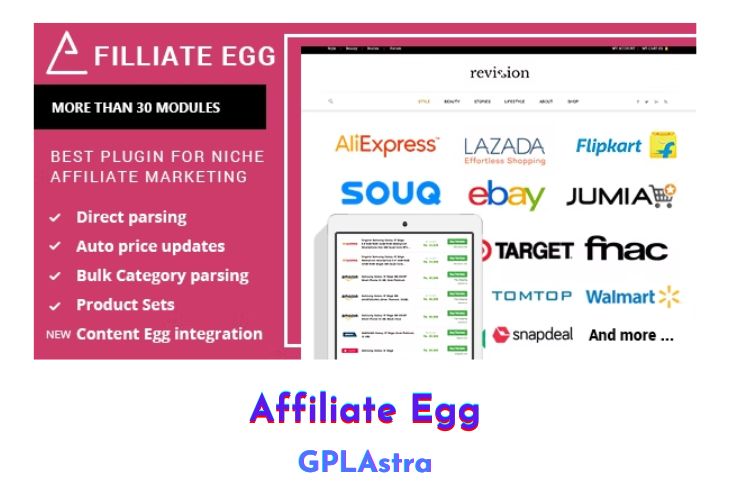
Affiliate Egg is a powerful WordPress plugin designed for niche affiliate marketing, offering a range of features that make it an essential tool for affiliate marketers. One of its main advantages is the immediate usability after installation, with no need for program approval or API access. It provides robust product parsing capabilities, allowing users to parse individual products, categories, search results, and deal pages. The autoblog feature automates the process by taking new products from shop categories and posting them as separate posts on your site. This plugin also supports multiple output formats, such as grid, list, and product card views, ensuring a versatile display of affiliate products.
Affiliate Egg keeps product information up to date with regular price updates and supports over 100 local shops, adding more every month. It includes features like custom cookies for correct currency display from multi-currency shops, deeplinks, SubIDs, and proxy support. The plugin also enables parsing of search pages to create product sets based on specific criteria, such as price range, conditions, and popularity. For shops not supported by default, Affiliate Egg offers tutorials for creating custom parsers and a paid service to develop your own modules, ensuring extensive coverage and flexibility in affiliate marketing.
| Name | Affiliate Egg |
| Type | Plugin |
| Version | 10.9.25 |
| File Name | affiliate-egg |
| File Type | zip (Installable Archive) |
| File Host | mediafire.com | Mirror |
| Updated On: | 8 months ago |
Core Features of Affiliate Egg Plugin
- Immediate Usability:
- No need for program approval or API access.
- Ready to use immediately after installation.
- Product Parsing:
- Separate and multi-product parsing of categories, search results, and deal pages.
- Autoblog Feature:
- Automatically post new products from shop categories as separate posts on your site.
- Multiple Output Formats:
- Supports grid, list, product card, and other display formats.
- Price Updates:
- Regular updates to ensure current prices and product availability.
- Extensive Shop Support:
- Supports more than 100 local shops, with new shops added regularly.
- Custom Cookies:
- Ensures correct currency display from multi-currency shops.
- Deeplinks and SubIDs:
- Includes support for deeplinks and SubIDs for tracking and optimization.
- Proxy Support:
- Enables parsing through proxies for enhanced functionality.
- Search Page Parsing:
- Create product sets based on specific criteria from original shop search pages.
- Custom Parser Creation:
- Tutorials and paid services available for creating custom parsers.
- Easy Integration:
- Simple integration with shortcodes; place links in storefront to shop or category pages.
- Automated updates for prices and product availability.
What’s New (Changelog) in Affiliate Egg v10.9.25
* Fix: Shop parsers fixed.
Sales Page and Live Demo of Affiliate Egg Plugin
https://codecanyon.net/item/affiliate-egg-niche-affiliate-marketing-wordpress-plugin/21852757
Free Download Affiliate Egg Latest Version
⚡ Premium Access
Unlock All Premium Features
Unlimited Downloads
No Restrictions
Direct Download Links
Access to Private Content
Frequently Asked Questions (FAQs):
Here are some frequently asked questions related to Affiliate Egg Plugin that might help you while installing it on your WordPress site:



It’s asking for license. please.