Green Popups v7.56 WP Plugin
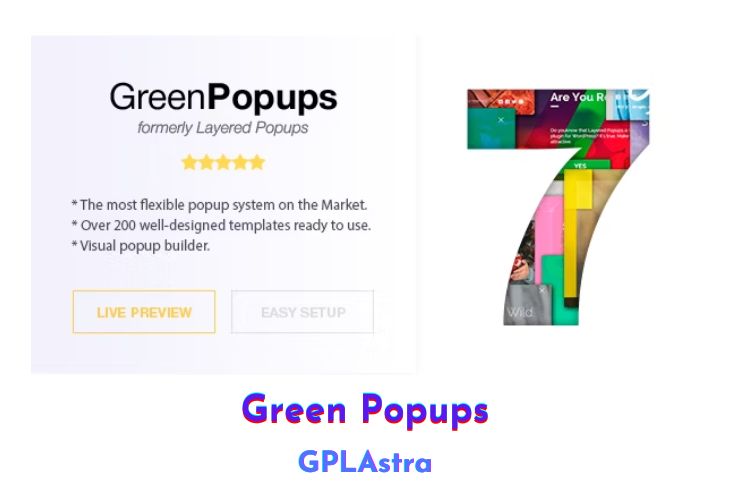
Green Popups is a powerful WordPress plugin that allows you to create unique and engaging popups for your website. It was formerly known as Layered Popups but has been rebranded with a fresh new name. With this plugin, you can unleash your creativity and design multi-layered animated popups or choose from over 200 professionally designed ready-made templates available in their library.
One of the standout features of Green Popups is its Advanced Targeting system, which makes it incredibly easy to control where and how your popups are displayed. You can target specific posts, pages, products, custom post types, taxonomies, user roles, and even set popups based on dates. Additionally, the plugin offers various popup display options, such as on page load, exit intent, scrolling, user inactivity, AdBlock detection, or even when users click on specific elements.
| Name | Green Popups |
| Type | WP Plugin |
| Version | 7.56 |
| File Name | halfdata-green-popups |
| File Type | zip (Installable Archive) |
| File Host | mediafire.com | Mirror |
| Updated On: | 3 weeks ago |
Core Features of Green Popups WP Plugin
- Unlimited number of popups
- Multiple layered popups with drag-and-drop builder
- Over 20 popup elements for customization
- Advanced targeting system for precise popup display
- Popup and inline modes (embed popups in content or sidebars)
- OnClick, OnLoad, OnScroll, OnExit, OnInactivity, and OnAdBlockDetected popups
- Geolocation filtering for targeted popups
- ContentStart and ContentEnd inline popups
- Link locker to limit access until form submission
- Confirmation system logic and double opt-in
- Email notifications and extended email address validation
- Integrations with email verification services
- Integrations with CRM, marketing, and newsletter systems
- Integrations with payment providers
- Integrations with SMS gateways
- HTML-form integration
- Custom JavaScript handlers
- Integration with third-party MySQL databases
- Math expressions based on user input
- Pre-populated fields with dynamic or static data
- User input editor, filtering, and validation
- Conditional logic and custom error messages
- Print data and save as PDF
- Shortcodes and Font Awesome support
- Nine popup positions and overlay customization
- Layer duration and animation customization
- Spinner customization
- A/B campaigns and popup stats
- Field analytics with bar charts
- GDPR-ready with sensitive data saving options
- Google/Universal Analytics event tracking
- Remote use and popups library
- Export/import feature and CSV export
- Interactive and multi-step popups
- Opt-in locker and remember subscribed visitors
- PageSpeed Insights optimization
- Enable/disable modules
- WooCommerce compatibility
- Minified CSS and JS files
- Over 1000+ Google Fonts
- Automatic updates
- WPML and Multisite support
- Easy installation and translation ready
- WordPress best practices compliance
What’s New (Changelog) in Green Popups v7.56
[2026-02-05 - v7.56]
- Added "Submit as subscribed" checkbox to Klaviyo integration.
- Added API integrations log.
Sales Page and Live Demo of Green Popups WP Plugin
https://codecanyon.net/item/layered-popups-for-wordpress/5978263
Free Download Green Popups Latest Version
⚡ Premium Access
Unlock All Premium Features
Unlimited Downloads
No Restrictions
Direct Download Links
Access to Private Content
Frequently Asked Questions (FAQs):
Here are some frequently asked questions related to Green Popups WP Plugin that might help you while installing it on your WordPress site:


