Integrate Google Drive PRO v1.5.7 Plugin
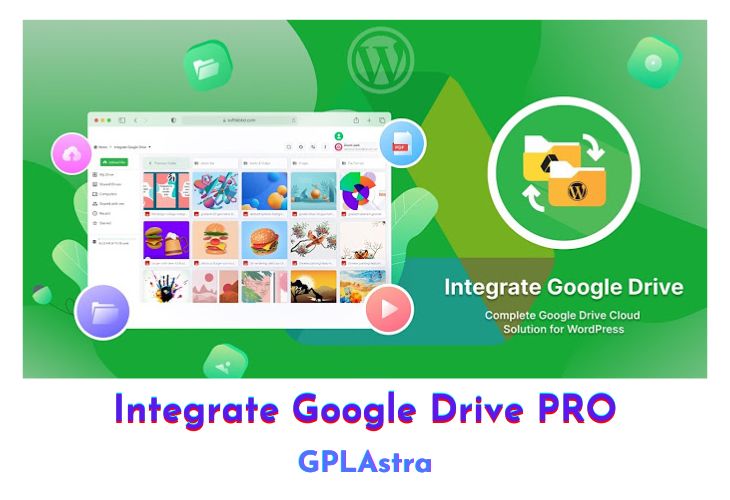
Integrate Google Drive PRO is a premier WordPress plugin that seamlessly integrates your Google Drive documents and media directly into your WordPress website. Designed for ease of use, this plugin enables you to manage and display your Google Drive files without leaving your site, offering a cohesive user experience. It’s ideal for websites that require robust file management capabilities, allowing users to browse, upload, and interact with their Google Drive content through a variety of customizable modules.
This plugin enhances your website’s functionality by providing a versatile file browser, a user-friendly file uploader, and visually appealing media galleries. Additionally, it features a media player that supports both audio and video files, all accessible via simple shortcodes. Whether you’re looking to create a dynamic photo gallery, streamline document sharing, or incorporate multimedia content, Integrate Google Drive PRO offers a comprehensive solution to meet your needs.
| Name | Integrate Google Drive PRO |
| Type | Plugin |
| Version | 1.5.7 |
| File Name | integrate-google-drive-premium |
| File Type | zip (Installable Archive) |
| File Host | mediafire.com | Mirror |
| Updated On: | 1 week ago |
Core Features of Integrate Google Drive PRO Plugin
- File Browser: Display your cloud files with grid thumbnail and list views.
- File Uploader: Allow you and your users to upload files directly to your Google Drive from your website.
- Photo Gallery: Create grid lightbox popup photo galleries based on selected folders.
- Media Player: Play audio and video files with playlists created from selected folders.
- Shortcode Builder: Generate various modules with different configurations for easy integration anywhere on your site.
- User-Friendly Interface: Simple setup and management for seamless Google Drive integration.
- Customizable Views: Choose between different display formats for a tailored user experience.
- Direct Integration: Manage Google Drive files without leaving your WordPress dashboard.
- Responsive Design: Ensures compatibility and a smooth experience across all devices.
- Secure Access: Maintain the security of your Google Drive files while making them accessible through your site.
- Automatic Updates: Regular updates ensure compatibility with the latest versions of WordPress and Google Drive.
- Flexible Configuration: Easily adjust settings to fit your specific requirements and workflows.
- Multi-User Support: Enable multiple users to interact with the Google Drive content directly from the site.
What’s New (Changelog) in Integrate Google Drive PRO v1.5.7
1.5.7 (2026-02-12)
New
- Improved overall plugin performance and security.
Fixed
- Lightbox preview issue.
- Conflicts with the Rank Math SEO plugin.
Sales Page and Live Demo of Integrate Google Drive PRO Plugin
https://softlabbd.com/integrate-google-drive/
Free Download Integrate Google Drive PRO Latest Version
⚡ Premium Access
Unlock All Premium Features
Unlimited Downloads
No Restrictions
Direct Download Links
Access to Private Content
Frequently Asked Questions (FAQs):
Here are some frequently asked questions related to Integrate Google Drive PRO Plugin that might help you while installing it on your WordPress site:
Version is 1.4.1 out.. On site very old version