ConvertPlus v3.6.1 WordPress Plugin
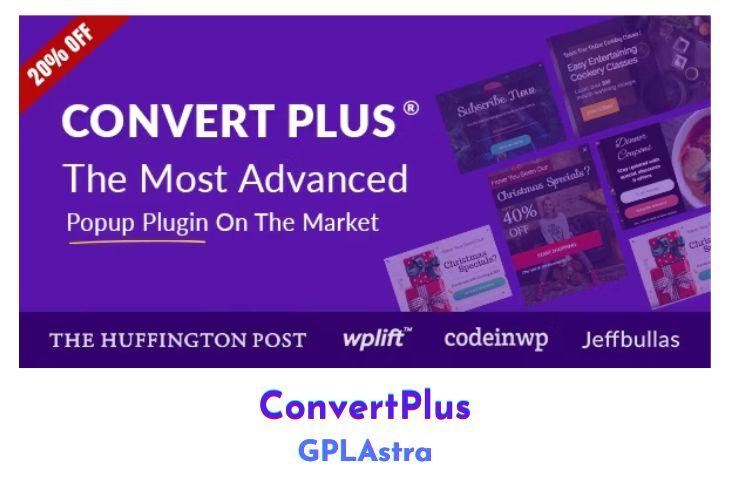
Convert Plus is the all-in-one WordPress Popup plugin that transforms your website into a lead generation powerhouse. Build your email list, bigger, faster, and more targeted than ever before. You can create beautiful pop-ups in minutes and start converting your website visitors into subscribers, social followers, and customers. With over 10+ popup display positions, 12+ different visitor behavior triggers & filters, and a huge library of over 100+ beautifully designed and high-converting ready-made templates, Convert Plus is a world-class conversion optimization WordPress popup plugin.
The best thing about this popup plugin is its versatility. Features like exit popups, opt-in popups, slide-in popups, video popups, on-click popups, social popups, embedded forms, widget boxes, and info bars make Convert Plus the most powerful popup and lead generation plugin available. Whether you want to grow your email list, increase social media following, or boost conversions, Convert Plus has the tools you need to succeed.
| Name | ConvertPlus |
| Type | WordPress Plugin |
| Version | 3.6.1 |
| File Name | convertplug |
| File Type | zip (Installable Archive) |
| File Host | mediafire.com | Mirror |
| Updated On: | 10 months ago |
Core Features of ConvertPlus WordPress Plugin
- Over 100+ beautifully designed and high-converting ready-made templates
- 10+ popup display positions (e.g., top, bottom, center, etc.)
- 12+ visitor behavior triggers and filters (e.g., exit intent, on-click, on-scroll, etc.)
- Exit popup, opt-in popup, slide-in popup, video popup, on-click popup, and social popup options
- Embedded forms, widget boxes, and info bars
- Lead generation and conversion optimization tools
- Build and grow your email list
- Increase social media followers
- Convert website visitors into customers
- World-class conversion optimization capabilities
- User-friendly interface for creating popups in minutes
What’s New (Changelog) in ConvertPlus v3.6.1
Version 3.6.1 - April 23, 2025
- Fix: Resolved the issue for function _load_textdomain_just_in_time was called incorrectly in WP 6.8.
Sales Page and Live Demo of ConvertPlus WordPress Plugin
https://codecanyon.net/item/popup-plugin-for-wordpress-convertplug/14058953
Free Download ConvertPlus Latest Version
⚡ Premium Access
Unlock All Premium Features
Unlimited Downloads
No Restrictions
Direct Download Links
Access to Private Content
Frequently Asked Questions (FAQs):
Here are some frequently asked questions related to ConvertPlus WordPress Plugin that might help you while installing it on your WordPress site:



Upgrade to ConvertPlus 3.6.2