Kalium v3.30 WordPress Theme
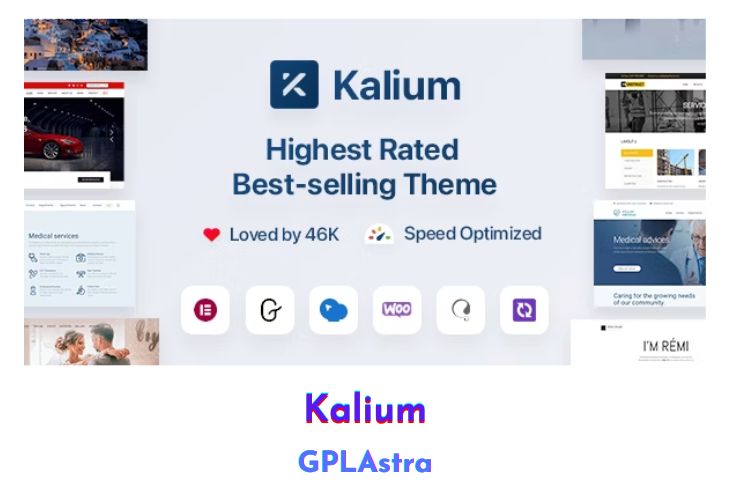
Kalium is a versatile WordPress theme designed to cater to a wide range of creative needs, from showcasing portfolios and agency work to running online stores and crafting engaging blogs. Its adaptability spans across various industries including photography, travel, corporate, fitness, hospitality, legal, educational, automotive, and more. With an array of layout designs and an intuitive drag-and-drop content builder, Kalium empowers users to bring their visions to life effortlessly. What sets Kalium apart is its commitment to elegance and simplicity, eschewing clutter and clichéd animations for a clean, refined aesthetic that prioritizes white space and attention to detail. Recognized as the #1 Creative WordPress Theme, Kalium boasts an award-winning design that resonates with users worldwide.
For designers, architects, photographers, freelancers, bloggers, and anyone seeking to establish a compelling online presence, Kalium offers a refreshing alternative to conventional themes. It streamlines website creation with one-click demo imports, allowing users to replicate demo examples instantly. Compatible with WooCommerce, Kalium facilitates seamless eCommerce integration, providing professional layouts and advanced functionalities for an unparalleled shopping experience. Bundled with top-selling plugins such as WPBakery Page Builder, Revolution Slider, and WooCommerce Product Filter, Kalium offers exceptional value while continually evolving through regular updates and the addition of new demo content.
| Name | Kalium |
| Type | WordPress Theme |
| Version | 3.30 |
| File Name | kalium |
| File Type | rar (Archive, please extract before use) |
| File Host | mediafire.com | Mirror |
| Updated On: | 2 months ago |
Core Features of Kalium WordPress Theme
- Versatile design suitable for various industries including portfolios, agencies, blogs, and online stores.
- Intuitive drag-and-drop content builder for effortless site customization.
- Compatible with WooCommerce for seamless eCommerce integration.
- Clean, clutter-free aesthetic with emphasis on white space and attention to detail.
- One-click demo import for quick setup and replication of demo examples.
- Bundled with popular plugins including WPBakery Page Builder, Revolution Slider, and WooCommerce Product Filter.
- Regular theme updates and addition of new demo content for ongoing evolution.
- Award-winning design recognized for its creativity and elegance.
- Ideal for designers, photographers, freelancers, bloggers, and creative individuals seeking a polished online presence.
What’s New (Changelog) in Kalium v3.30
Version 3.30 - Dec 18, 2025 FIX:
– Addressed a security issue reported by Wordfence
UPDATE:
– Advanced Custom Fields Pro updated to the latest version in theme package – 6.7.0.2
– WPBakery Page Builder plugin updated to the latest version in theme package – 8.7.2
– Slider Revolution updated to the latest version in theme package – 6.7.40
– LayerSlider updated to the latest version in theme package – 8.1.2
– Google Fonts list updated to the latest version
Sales Page and Live Demo of Kalium WordPress Theme
https://themeforest.net/item/kalium-creative-theme-for-professionals/10860525
Free Download Kalium Latest Version
⚡ Premium Access
Unlock All Premium Features
Unlimited Downloads
No Restrictions
Direct Download Links
Access to Private Content
Frequently Asked Questions (FAQs):
Here are some frequently asked questions related to Kalium WordPress Theme that might help you while installing it on your WordPress site:


