Motors v5.6.90 WordPress Theme
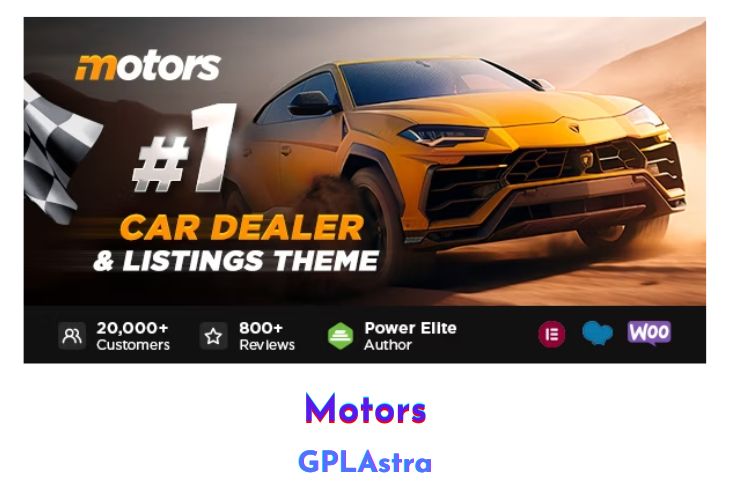
Motors for WordPress is a dynamic solution crafted to cater to the diverse needs of the automotive and boat selling industry. With its arsenal of 8 stunning premade demos, Motors empowers businesses to create feature-packed websites poised for success. Each demo, from Car Dealership to Car Rental and Boat Dealership, is meticulously designed to fulfill specific industry requirements, offering a tailored experience for users.
One of the standout features of Motors is its versatility in accommodating various business models within the automotive sector. Whether it’s managing car inventory, facilitating rental services, or creating comprehensive directories and listings, Motors provides the tools necessary for seamless operations. With integrated booking modules, payment gateways via WooCommerce, and the ability to import inventory databases effortlessly, Motors streamlines the process of managing classified listings. Additionally, the theme fosters trust and transparency by enabling sellers and dealers to register, allowing potential buyers to browse profiles and user reviews for informed purchasing decisions, all within a contemporary and intuitive website interface.
| Name | Motors |
| Type | WordPress Theme |
| Version | 5.6.90 |
| File Name | motors |
| File Type | rar (Archive, please extract before use) |
| File Host | mediafire.com | Mirror |
| Updated On: | 3 weeks ago |
Core Features of Motors WordPress Theme
- 8 premade demos catering to different sectors of the automotive and boat selling industry.
- Custom modules for car rental services with integrated payment gateways via WooCommerce.
- Streamlined management of car inventory, pricing, and bookings.
- Support for importing inventory databases in CSV or XML format for efficient listing management.
- User registration functionality for sellers and dealers, enhancing transparency and trust.
- Profile browsing and user reviews to aid buyers in making informed decisions.
- Contemporary and intuitive website interface for superior user experience.
- Designed to be the most advanced and comprehensive car dealership WordPress theme on the market.
What’s New (Changelog) in Motors v5.6.90
v5.6.90 - February 5, 2026
Update: Motors – Car Dealer, Classifieds & Listing updated to version 1.4.103.
Fix: Fixed Saved Search add-on not working.
Fix: Fixed display of Custom Field child categories with assigned parent categories.
Fix: Fixed error on the Single Listing page on Auto Parts Demo in Turkish language.
Fix: Fixed Become dealer setting not displaying.
Sales Page and Live Demo of Motors WordPress Theme
https://themeforest.net/item/motors-automotive-cars-vehicle-boat-dealership-classifieds-wordpress-theme/13987211
Free Download Motors Latest Version
⚡ Premium Access
Unlock All Premium Features
Unlimited Downloads
No Restrictions
Direct Download Links
Access to Private Content
Frequently Asked Questions (FAQs):
Here are some frequently asked questions related to Motors WordPress Theme that might help you while installing it on your WordPress site:


