Exclusive Addons For Elementor v1.5.9.4 Plugin
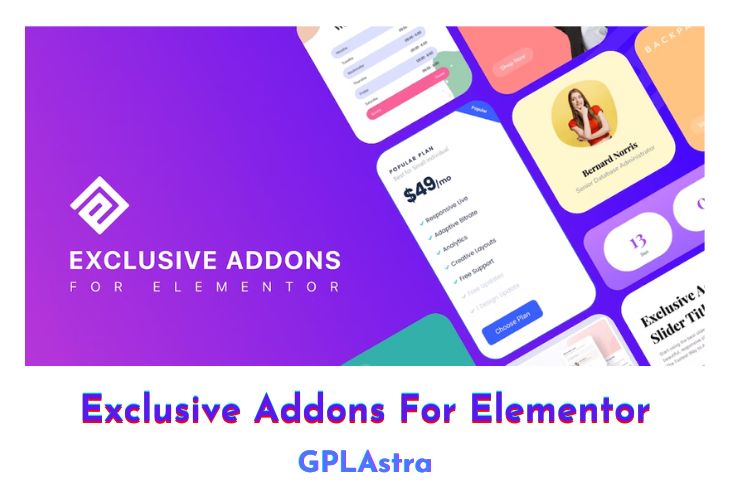
Exclusive Addons for Elementor is a comprehensive package of exclusively designed widgets, boasting 108+ unique elements and extensions. These widgets cater to Elementor users, offering a wide array of customization options for creating visually stunning websites. The highlight of Exclusive Addons is its exceptional Header-Footer builder, allowing users to design stylish templates for the top or bottom of their pages. The flexibility extends to using the same header and footer across the entire website or creating different templates for specific pages. Additionally, the Lottie Animation Widget introduces a playful touch, enabling users to effortlessly integrate lightweight and high-quality animations into their Elementor websites without any coding.
One standout feature is the Cross Site Copy Paste functionality, which simplifies the transfer of widgets, columns, sections, and other elements between WordPress sites with just a few clicks. This extension seamlessly integrates with Elementor’s native interface and functionalities, saving users time and effort while ensuring compatibility. The Demo Previewer is a next-gen tool allowing users to filter items, add visually appealing cover images, and customize navigation menus, making it easier to showcase and preview their website designs effectively. The Mega Menu feature is another noteworthy addition, providing a fully functional and responsive menu bar with both horizontal and vertical options, breaking points for smaller devices, and extensive styling choices for a user-centric experience.
| Name | Exclusive Addons For Elementor |
| Type | Plugin |
| Version | 1.5.9.4 |
| File Name | exclusive-addons-elementor-pro |
| File Type | zip (Installable Archive) |
| File Host | mediafire.com | Mirror |
| Updated On: | 3 months ago |
Core Features of Exclusive Addons For Elementor Plugin
- 108+ uniquely designed widgets and extensions
- Header-Footer builder with template customization options
- Lottie Animation Widget for integrating lightweight animations
- Cross Site Copy Paste for effortless transfer of elements between WordPress sites
- Next-gen Demo Previewer with customizable filters, cover images, and navigation menus
- Fully functional Mega Menu with horizontal and vertical options, breaking points, and styling choices
What’s New (Changelog) in Exclusive Addons For Elementor v1.5.9.4
= v1.5.9.4 - 01/12/2025 =
- Enhancement: Improve support for all Elementor icons
Sales Page and Live Demo of Exclusive Addons For Elementor Plugin
https://exclusiveaddons.com/
Free Download Exclusive Addons For Elementor Latest Version
⚡ Premium Access
Unlock All Premium Features
Unlimited Downloads
No Restrictions
Direct Download Links
Access to Private Content
Frequently Asked Questions (FAQs):
Here are some frequently asked questions related to Exclusive Addons For Elementor Plugin that might help you while installing it on your WordPress site: