WP Residence v5.4.1 WordPress Theme
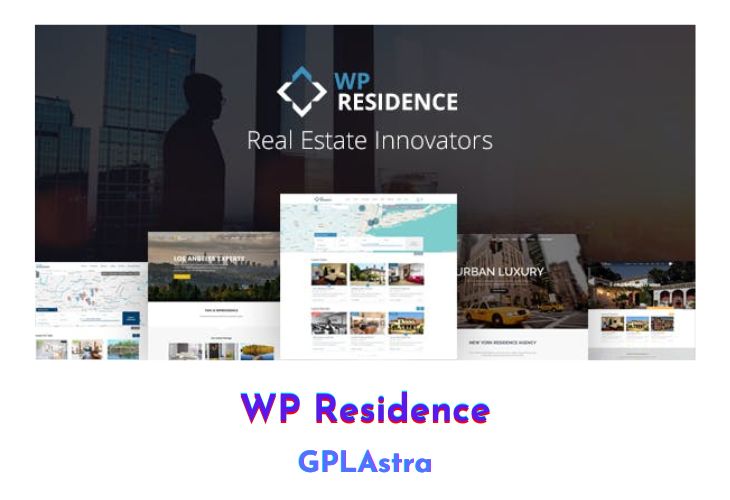
WP Residence Real Estate WordPress Theme stands as a premium solution specifically crafted for independent agents and agencies, offering a comprehensive platform for real estate professionals. Beyond serving as a tool for traditional real estate operations, WP Residence is designed to accommodate user-generated property submissions, whether for free, for a fee, or based on a subscription model.
The theme’s adaptability is underscored by its 12 pre-made demos, providing a quick start for users in various real estate sectors. With over 400 organized theme options, WP Residence ensures a modern and unique real estate website tailored to the diverse needs of developers, agencies, and consultants.
| Name | WP Residence |
| Type | WordPress Theme |
| Version | 5.4.1 |
| File Name | wpresidence |
| File Type | rar (Archive, please extract before use) |
| File Host | mediafire.com | Mirror |
| Updated On: | 2 months ago |
Core Features of WP Residence WordPress Theme
- Multipurpose Real Estate Theme: WP Residence is not just a theme for real estate professionals; it is a versatile solution catering to a wide range of industries, including online stores, product catalogues, blogs, portfolios, and corporate sites.
- Powerful Administration and Flexibility: The theme’s powerful admin panel with over 400 neatly organized settings facilitates the creation of a robust real estate website. From design elements to content management, WP Residence provides extensive flexibility to ensure a tailored user experience.
- Multiple Language Support: Translated into 32 languages, WP Residence caters to a global audience, enhancing accessibility and usability. While these translations are machine-generated, the theme provides users with the option to review and refine them.
- Advanced Search Options: With a focus on user-friendly search functionality, WP Residence offers advanced search options, including radius search, custom fields support, and distinctive pins on maps, providing a seamless experience for property seekers.
- Front End Property Submission: For enhanced user engagement, the theme allows users to register, submit, and edit their properties directly from a user dashboard. Admins can choose to manually approve each submission or automate the publishing process.
- GDPR Compliance: Addressing privacy concerns, WP Residence is GDPR-ready, featuring consent checkboxes for contact forms, user profile deletion options, and compliance with European data protection requirements.
- Integrated Google Maps and Open Street Map: The theme optimizes the integration of Google Maps or Open Street Map, providing map-related features such as distinct pins, spiderfy for listings, and the ability to switch between different map types.
- Membership Packages and Payment Options: WP Residence supports various membership packages with recurring options, allowing site owners to monetize property submissions. Payment options include Stripe, PayPal, or Wire Transfer, with features like free and featured listings to enhance revenue options.
- Responsive Design and Retina Ready: Ensuring a consistent and visually appealing experience across devices, WP Residence is fully responsive and retina-ready, adapting seamlessly to smartphones, tablets, and desktop computers.
- Comprehensive Documentation and Support: With detailed instructions and a dedicated support team, WP Residence provides users with the resources they need for successful theme implementation and ongoing assistance.
What’s New (Changelog) in WP Residence v5.4.1
v5.4.1 – December 2025
Update: Improved validation and sanitization for map shortcode.
Update: WpResidence Core Functionality Plugin to version 5.4.1
Update: WpResidence Theme to v 5.4.1
Sales Page and Live Demo of WP Residence WordPress Theme
https://themeforest.net/item/wp-residence-real-estate-wordpress-theme/7896392
Free Download WP Residence Latest Version
⚡ Premium Access
Unlock All Premium Features
Unlimited Downloads
No Restrictions
Direct Download Links
Access to Private Content
Frequently Asked Questions (FAQs):
Here are some frequently asked questions related to WP Residence WordPress Theme that might help you while installing it on your WordPress site:


