OceanWP PRO v4.0.7 (+ Extesnions) Theme
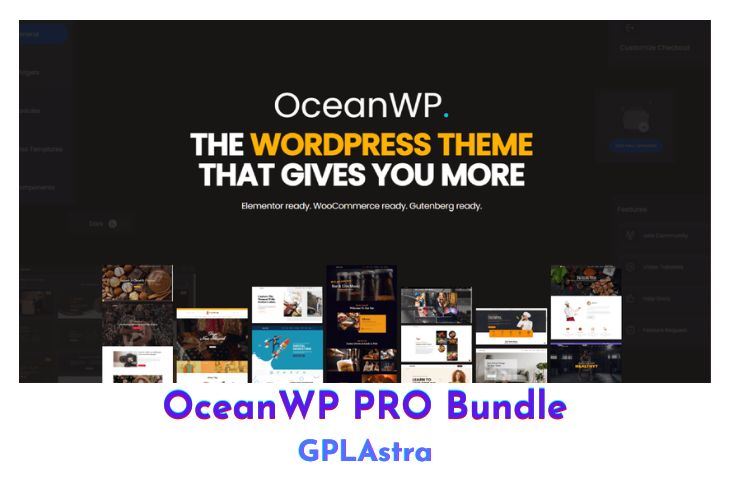
OceanWP is a highly versatile and user-friendly WordPress theme designed to cater to diverse website needs, including blogs, portfolios, business sites, and WooCommerce-powered online stores. Its professional and visually appealing design ensures an engaging user experience, making it an excellent choice for any project. This theme is optimized for speed, adaptability, and SEO, ensuring your site performs exceptionally well on all fronts. Its unique WooCommerce features are tailored to enhance conversions, providing a competitive edge for your online store.
OceanWP is fully responsive and allows device-specific settings for tablets and smartphones, ensuring your site looks flawless on every screen size. Seamlessly compatible with leading page builders like Elementor, Beaver Builder, Visual Composer, Divi, and SiteOrigin, OceanWP simplifies customization and gives you creative freedom to build a site that aligns with your vision.
| Name | OceanWP PRO |
| Type | Theme |
| Version | 4.0.7 (+ Extesnions) |
| File Name | oceanwp |
| File Type | rar (Archive, please extract before use) |
| File Host | mediafire.com | Mirror |
| Updated On: | 11 months ago |
Core Features of OceanWP PRO Theme
- Fully responsive and adaptive design for all devices.
- Optimized for fast loading speeds.
- Follows the best SEO practices for enhanced search engine rankings.
- Translation and RTL ready for multilingual sites.
- Unique WooCommerce features to boost online store conversions.
- Extensive customization options for headers, footers, and more.
- Compatible with popular page builders: Elementor, Beaver Builder, Visual Composer, Divi, SiteOrigin, and others.
- Multiple pre-built demos for quick website setup.
- Advanced typography and color control options.
- Developer-friendly with hooks and custom CSS/JS support.
- Built-in mega menu for intuitive site navigation.
- Lightweight and performance-focused framework.
- Regular updates and reliable support from the developer team.
What’s New (Changelog) in OceanWP PRO v4.0.7 (+ Extesnions)
### 2025.04.03 - 4.0.7
- Added: OceanWP version constant for future updates.
- Added: Compatibility: WooCommerce: View password button (the eye icon) styling. Previously, this element was a pseudo element.
- Updated: OceanWP Copyright information.
Sales Page and Live Demo of OceanWP PRO Theme
https://oceanwp.org/core-extensions-bundle/
Free Download OceanWP PRO Latest Version
Included Addons:
- OceanWP Cookie Notice
- OceanWP Elementor Widgets
- OceanWP Extra
- OceanWP Footer Callout
- OceanWP Full Screen
- OceanWP Gutenberg Blocks
- OceanWP Hooks
- OceanWP Instagram
- OceanWP Popup Login
- OceanWP Portfolio
- OceanWP Pro Demos
- OceanWP Side Panel
- OceanWP Sticky Footer
- OceanWP Sticky Header
- OceanWP White Label
- OceanWP Woo Popup
⚡ Premium Access
Unlock All Premium Features
Unlimited Downloads
No Restrictions
Direct Download Links
Access to Private Content
Frequently Asked Questions (FAQs):
Here are some frequently asked questions related to OceanWP PRO Theme that might help you while installing it on your WordPress site: