The Plus Block Pro v4.7.0 Plugin
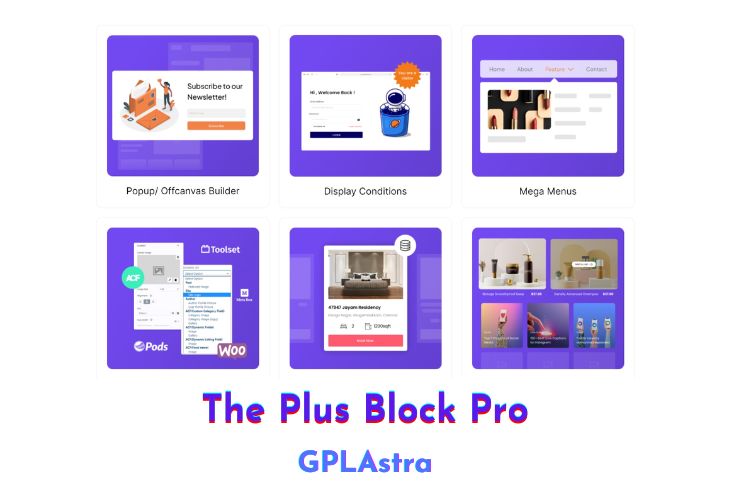
The Plus Addons for Block Editor Pro emerges as a phenomenal block builder addon plugin, offering a vast collection of blocks and features for users who have transitioned from Elementor to Gutenberg seeking a combination of performance and customizability. Catering to the evolving needs of Gutenberg users, The Plus Blocks stands out as one of the best Gutenberg addons available in the WordPress ecosystem.
The plugin boasts smart optimized CSS & JS, ensuring efficient performance while maintaining clean code. With cross-domain copy & paste functionality and a 1-click unused block scanner, the plugin simplifies the editing process. It also includes in-built lazy loading, RTL & multi-lingual support, and seamless compatibility with popular themes, making it a versatile and user-friendly choice. Regular 3rd party security audits provide an extra layer of confidence for users, ensuring the reliability of the plugin.
| Name | The Plus Block Pro |
| Type | Plugin |
| Version | 4.7.0 |
| File Name | the-plus-addons-for-block-editor-pro |
| File Type | zip (Installable Archive) |
| File Host | mediafire.com | Mirror |
| Updated On: | 1 month ago |
Core Features of The Plus Block Pro Plugin
- Massive collection of blocks and features
- Smart optimized CSS & JS for efficient performance
- Cross-domain copy & paste functionality
- 1-click unused block scanner for streamlined editing
- Clean coded for a smooth user experience
- In-built lazy loading for enhanced page loading speed
- RTL & multi-lingual support for global accessibility
- Compatibility with popular themes
- Regular 3rd party security audits for reliability
- Carousel Anything & Remote for dynamic content display
- Tabs, Accordion & Switcher for organized information presentation
- Data Tables, Table of Content & Charts for data visualization
- Preloader, Dark Mode & Parallax for enhanced design options
- Grid, Metro, Carousel & Masonry Layout for versatile page layouts
- Magazine Filters & Sliders for content customization
- Paginations, Load More & Lazy Load for improved navigation
- Image & Video Gallery for media presentation
- Requires the FREE version to be installed first, ensuring a seamless integration.
What’s New (Changelog) in The Plus Block Pro v4.7.0
v4.7.0 Introduced AI-powered Image generation & repeater content generation for all blocks with OpenAI and Gemini integration. Converted all blocks to ApiVersion 3, ensuring better performance, stability, and alignment with the latest WordPress standards.
Added : Extra Option : Transform & Transition Normal / Hover Option Added.
Added : Post Listing : Pagination Next button Text & Icon Added.
Added : Media Listing : Image Border Radius Option added.
Added : Form : Button Icon SVG Option Added.
Improvement : Carousel Anything : Add labels for the options.
Improvement : Carousel Remote : Add labels for the options.
Improvement : Product Listing : Add labels for the options.
Improvement : Social Sharing : Add labels for the options.
Fix : Post Listing : Load More & Lazy Load Post Query Bug fix in Archive Listing
Fix : Before & After : screen freezing on mobile devices.
Fix : TimeLine : Animation Align Issue on Mobile devices.
Sales Page and Live Demo of The Plus Block Pro Plugin
https://theplusblocks.com/
Free Download The Plus Block Pro Latest Version
⚡ Premium Access
Unlock All Premium Features
Unlimited Downloads
No Restrictions
Direct Download Links
Access to Private Content
Frequently Asked Questions (FAQs):
Here are some frequently asked questions related to The Plus Block Pro Plugin that might help you while installing it on your WordPress site: