Houzez v4.2.7 WordPress Theme
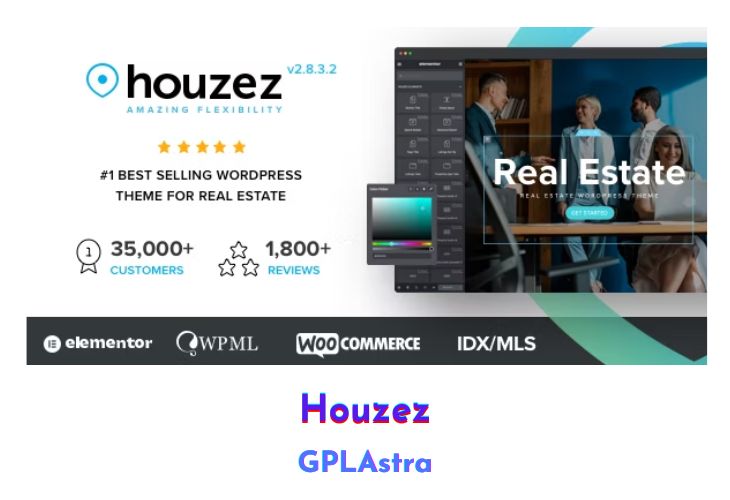
Houzez is the solution for real estate agencies and companies who need a website built quickly. It’s a responsive WordPress theme, which means it will look good on any devices: cell phones, tablets or desktop computers. It is Retina-ready, and its sharp design helps customers concentrate on your property offering instead of wondering which browser they are using.
| Name | Houzez |
| Type | WordPress Theme |
| Version | 4.2.7 |
| File Name | houzez |
| File Type | rar (Archive, please extract before use) |
| File Host | mediafire.com | Mirror |
| Updated On: | 1 month ago |
Core Features of Houzez WordPress Theme
- Design an intuitive search system with an Elementor- based drag-and-drop search builder or WPBakery Page Builder
- Modern search system with multiple options, geolocation and radius search
- Create the perfect layout. Freehand drawing for your presentations, infographics, and page layouts
- The list editor allows you to choose which meta data or custom fields to display on the list tag
- The most advanced real estate CRM system integrated on one WordPress theme
- Design custom contact forms and requests to collect leads and keep a record of all the information in the new Houzez CRM
- Brand new front-end management system to promote all facets of your real estate business
- Create effective insights and analytics data to get to know your customers better
- Create unlimited custom fields and connect them to the search system
- The most complete admin options panel. No coding knowledge is required to design your next project
- Houzez is a WordPress-based property management system that you can use to administer the real estate market, coordinate your agents, manage leads, and accept submissions.
- With so many features, Houzez Theme is the most advanced real estate management system for those who want to present a website in the best possible way.
- Real estate agents & website owners can use Houzez to manage everything
- Fully responsive and mobile friendly
- Integrated with these plugins, payment gateways and mapping system
What’s New (Changelog) in Houzez v4.2.7
[Important] Clear Cache, CDN
[New] Option to enable/disable Schema Markup (JSON-LD) under Theme Options → Property Details
[Improved] Search builder
[Improved] Saved search functionality
[Fixed] Property detail Images gallery v3 elementor widget media tabs
[Fixed] Print window not open automatically in previous version because of jQuery updated version.
[Fixed] WCAG accessibility issues for screen reader support
[Fixed] Property description not saved when Save as Draft
[Fixed] Duplicate agency custom post type post create when create agency while register option enabled
Sales Page and Live Demo of Houzez WordPress Theme
https://themeforest.net/item/houzez-real-estate-wordpress-theme/15752549
Free Download Houzez Latest Version
⚡ Premium Access
Unlock All Premium Features
Unlimited Downloads
No Restrictions
Direct Download Links
Access to Private Content
Frequently Asked Questions (FAQs):
Here are some frequently asked questions related to Houzez WordPress Theme that might help you while installing it on your WordPress site:


