Soledad v8.7.2 WordPress Theme
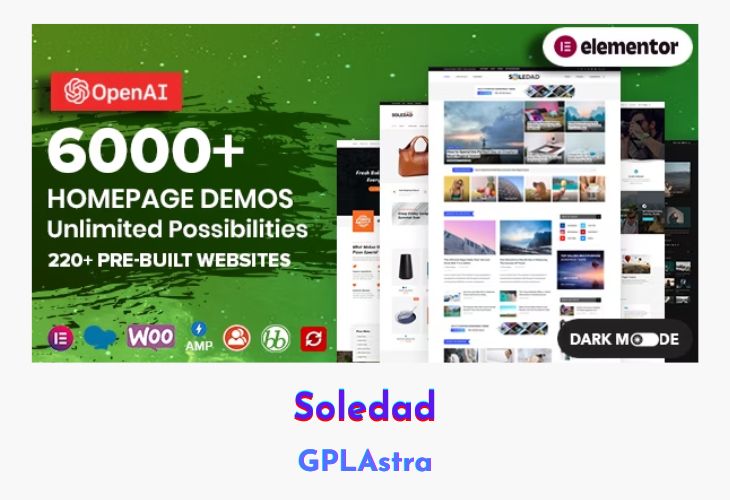
Soledad is a powerful multi-purpose WordPress theme. It has too many pro features that will help you create a custom website that’s right for your project. This WordPress theme is made for multi or all types of blogs and websites. Its advanced settings will keep your audience in mind with features such as responsive design, more than 6886 homepages, tons of fonts & layouts, multiple menu styles, gorgeous theme options, extensive widgetized areas and much more.
| Name | Soledad |
| Type | WordPress Theme |
| Version | 8.7.2 |
| File Name | soledad |
| File Type | rar (Archive, please extract before use) |
| File Host | mediafire.com | Mirror |
| Updated On: | 3 weeks ago |
Core Features of Soledad WordPress Theme
- Fully WordPress Live Customization with 600+ options
- 100% Responsive Design – Look great on all devices
- Real Awesome Gallery with a lot of styles
- Infinite Click Button Load More Posts
- Infinite Scroll Load More Posts
- RTL Language Support
- Topbar Menu
- 9 Header Styles
- 4 Body Styles
- 6886+ homepages demo for multiple purposes
- Compatible with EU GDPR policy
- Schema Markup & Google Structured Data Supports & validated
- Optimized for site speed
- 1000+ Sliders and Blog Combinations
- AMP Support
- Dark Layout
- Compatible with BBPress & BuddyPress
- Category Mega Menu
- 3 Sidebar Styles for all pages, posts
- Beautiful Featured Slider With 36 Styles
- Multiple Post Templates for different Stories, each Template come with 3 formats:
- Woocommerce Compatible
- Featured Video Background
- Lightbox image in single posts
- Upload custom fonts & 750+ Google fonts, Typekit fonts include
- Flexible Images & Responsive Video
- Various Post Formats
- Sticky Sidebar
- Custom Sidebar For Post & Page
- Unlimited Colors
- 11 Custom Widgets
- Search Engines Optimized
- Translation Ready – Transition your site in some minutes
- WordPress 4.0+ compatible
- Import Demo In One Click
- Contact form 7 & MailChimp for WordPress support
What’s New (Changelog) in Soledad v8.7.2
Update Soledad - v8.7.2 – February 04, 2026
Featured Added: Footer quick contact buttons – add hotline fixed links at the bottom left/right – you can check it via Appearance → Customize → Footer → Footer Quick Contact
Featured Added: Option equal height for Penci Big Grid element when using content above/below the image
Featured Added: New widget “Soledad Penci Quick Contacts”
Improve: Improve AJAX Like Posts & Posts Views performance
Improve: Penci Soledad Demo Import: add import demo options for non-commerce use
Update: Updated Google Fonts library
Fixed: Fixed Elementor import/podcast issues
Improve: Some minor issues.
Sales Page and Live Demo of Soledad WordPress Theme
https://themeforest.net/item/soledad-multiconcept-blogmagazine-wp-theme/12945398
Free Download Soledad Latest Version
⚡ Premium Access
Unlock All Premium Features
Unlimited Downloads
No Restrictions
Direct Download Links
Access to Private Content
Frequently Asked Questions (FAQs):
Here are some frequently asked questions related to Soledad WordPress Theme that might help you while installing it on your WordPress site:



Update: in soleded theme have new update 8.5.9 , please update it
Please share the update of soledad and avada theme.