Social Auto Poster v5.5.4 Plugin
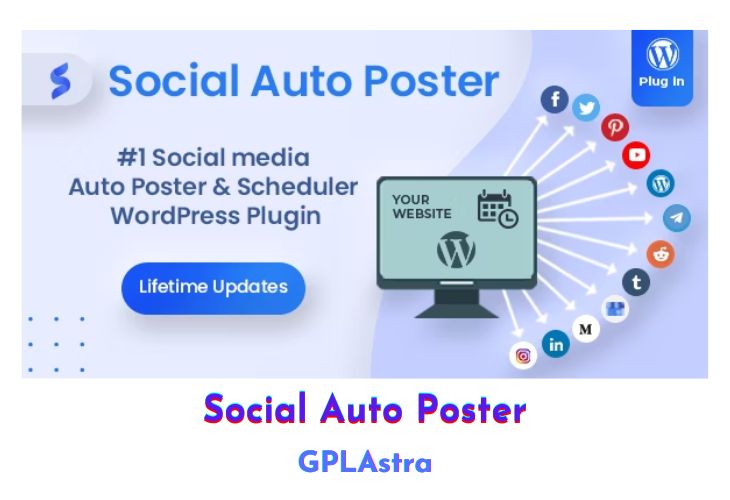
The Social Auto Poster is a premium plugin and service that can be used to share your content on multiple social media accounts. It is integrated with Bufferapp, Facebook, Linkedin, Instagram, Pinterest, Telegram and Twitter. The plugin allows you to schedule one post or repost per social account per day and premium features allow you to increase this number.
| Name | Social Auto Poster |
| Type | Plugin |
| Version | 5.5.4 |
| File Name | social-auto-poster |
| File Type | zip (Installable Archive) |
| File Host | mediafire.com | Mirror |
| Updated On: | 4 weeks ago |
Core Features of Social Auto Poster Plugin
- Auto-post on your Facebook profile and fan pages
- Auto post of new posts, custom post types (you can configure)
- Auto Post filtering as per post types and taxonomies i.e you can enable auto post for certain post types or certain categories
- Logs available to track all your auto posts to individual accounts
- Post format selection ability – You can post either a simple text message or share your blog post.
- Message format configuration ability –
- Ability to publish a single WordPress post to Facebook profile and fan pages concurrently with just one publish click
- Ability to enable and disable auto post in post screen – you won’t need to go to plugin settings to disable Auto Post
- Lightweight – Installs in seconds
- User-friendly – very easy to configure and set up with all the necessary step guidance on the plugin settings page.
What’s New (Changelog) in Social Auto Poster v5.5.4
= v5.5.4 (2026-01-28) =
[*] Fix: Fixed the image processing flow to make sure images fully ready before posting.
Sales Page and Live Demo of Social Auto Poster Plugin
https://codecanyon.net/item/social-auto-poster-wordpress-plugin/5754169
Free Download Social Auto Poster Latest Version
⚡ Premium Access
Unlock All Premium Features
Unlimited Downloads
No Restrictions
Direct Download Links
Access to Private Content
Frequently Asked Questions (FAQs):
Here are some frequently asked questions related to Social Auto Poster Plugin that might help you while installing it on your WordPress site:



Hi.
This plugin very great. But I make error not post to Google Business, I have 5 Maps, but it shows only 1 Maps.
Anyone can help me?
Hi, I want to say that I am grateful for your service. And inform that this plugin Social Auto Poster v5.3.0 keeps asking for the license key and I couldn’t use it. What would be the alternative to be able to activate this plugin?
Enter anything as license key!
I’ve Tried, but didnt work. Always show me: “Error
Your license key is invalid.”
Please provide me with the Activation Code.