Advanced Database Cleaner Pro v4.0.6 Plugin
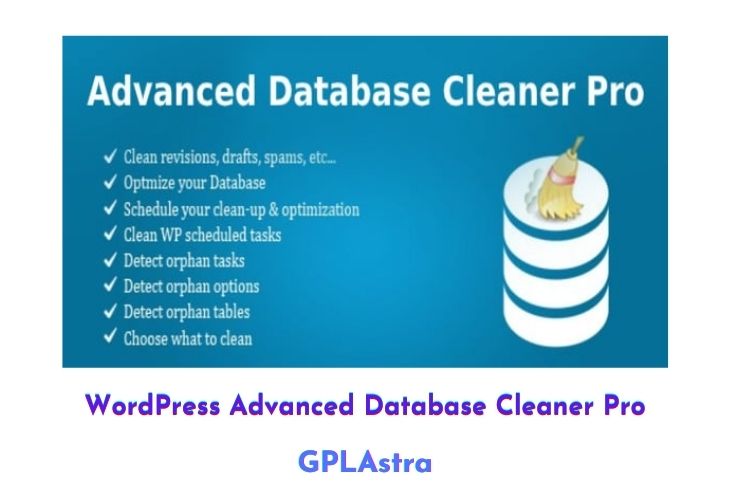
WordPress Advanced Database Cleaner Pro is a plugin that allows you to clean up and optimize your WordPress database, removing unnecessary data that can slow down your site and make it bloated. This includes data such as revisions, drafts, spam comments, orphan options, and orphan tables.
By cleaning up your database, you can reduce its size and improve the efficiency of accessing tables, as well as make your backup files smaller and quicker. If you’ve been using WordPress for a while, it’s important to periodically clean up your database to ensure that it stays in top shape. WordPress Advanced Database Cleaner Pro makes it easy to do so, providing a simple and convenient way to optimize your database and keep your site running smoothly.
| Name | Advanced Database Cleaner Pro |
| Type | Plugin |
| Version | 4.0.6 |
| File Name | advanced-database-cleaner-premium |
| File Type | zip (Installable Archive) |
| File Host | mediafire.com | Mirror |
| Updated On: | 4 weeks ago |
Core Features of Advanced Database Cleaner Pro Plugin
- Clean up unnecessary data: Remove data such as revisions, drafts, spam comments, orphan options, and orphan tables from your database to reduce its size and improve efficiency.
- Optimize database tables: Repair and optimize database tables to ensure that they are in top condition.
- Schedule automatic cleaning: Set up automatic cleaning to run on a regular basis and keep your database optimized without requiring manual intervention.
- Exclude specific data from cleaning: Choose to exclude specific data from the cleaning process, such as specific posts or comments, to ensure that important information is not accidentally removed.
- View cleaning logs: View a log of all cleaning actions taken, including details about what data was removed and when it was removed.
- Customize cleaning options: Customize cleaning options to suit your specific needs and preferences.
- Multisite support: Use the plugin on multisite installations to clean up and optimize the database for all sites in the network.
What’s New (Changelog) in Advanced Database Cleaner Pro v4.0.6
= v4.0.6 – 28/01/2026 =
- Fix: Some SQL queries did not run when database tables had different collations in Multisite setups.
- Fix: The "Show value" modal did not appear for expired transients.
- Fix: Deleted items could reappear as "ghost" entries after switching tabs and coming back.
- Fix: Some UI elements were incorrectly hidden on frontend pages.
- Fix: Extra characters in some translations within the UK '.po' file.
- Fix: [Premium] After a scan completed, correct counts were shown but disappeared when switching tabs and returning.
- Tweak: In Trashed Posts, only WordPress core post types are now displayed to prevent accidental deletion of unexpected data.
- Tweak: Allow selecting items by groups under the "General Cleanup" tab.
- Tweak: Increase the maximum number of selectable items per page from 200 to 1000.
- Tweak: General improvements to code quality and styling.
Sales Page and Live Demo of Advanced Database Cleaner Pro Plugin
https://sigmaplugin.com/downloads/wordpress-advanced-database-cleaner
Free Download Advanced Database Cleaner Pro Latest Version
⚡ Premium Access
Unlock All Premium Features
Unlimited Downloads
No Restrictions
Direct Download Links
Access to Private Content
Frequently Asked Questions (FAQs):
Here are some frequently asked questions related to Advanced Database Cleaner Pro Plugin that might help you while installing it on your WordPress site: