Smart Admin Assistant Pro v1.2.1 Plugin
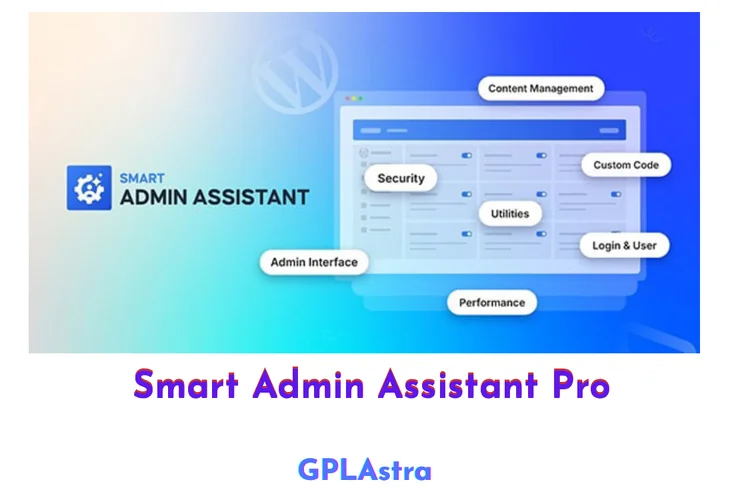
Smart Admin Assistant Pro is a next-generation WordPress admin enhancement plugin designed to give site owners complete control over the wp-admin environment. It allows you to customize, optimize, and streamline the WordPress backend by tailoring the admin bar, dashboard, and core admin elements to match your workflow. By removing unnecessary clutter and adding smart controls, it helps administrators work faster and more efficiently.
Beyond customization, Smart Admin Assistant Pro also focuses on security and productivity. It includes tools for login protection, content duplication, and admin-level optimizations that reduce repetitive tasks while improving backend safety. Whether you manage a single site or multiple WordPress installations, this plugin transforms the default admin area into a cleaner, more secure, and highly efficient control panel.
| Name | Smart Admin Assistant Pro |
| Type | Plugin |
| Version | 1.2.1 |
| File Name | smart-admin-assistant-pro |
| File Type | zip (Installable Archive) |
| File Host | mediafire.com | Mirror |
| Updated On: | 2 days ago |
Core Features of Smart Admin Assistant Pro Plugin
- Admin Bar Customization: Show, hide, or reorganize admin bar items for a cleaner backend experience
- Dashboard Optimization: Remove unnecessary widgets and add only what matters to improve focus
- Login Protection Tools: Strengthen wp-admin security with enhanced login controls
- Content Duplication: Easily duplicate posts, pages, or custom post types to save time
- Backend Performance Enhancements: Reduce admin clutter for faster navigation and usability
- Role-Based Controls: Customize admin access and visibility based on user roles
- Workflow Optimization: Minimize repetitive admin tasks with smart shortcuts and controls
- Centralized Admin Management: Manage multiple backend enhancements from a single interface
What’s New (Changelog) in Smart Admin Assistant Pro v1.2.1
v1.2.1 [February 22, 2026]
* Improved: General performance optimizations and code improvements
* Improved: Enhanced compatibility with Smart Admin Assistant free version
* Fixed: Minor bug fixes and stability improvements
Sales Page and Live Demo of Smart Admin Assistant Pro Plugin
https://bdthemes.com/smart-admin-assistant/
Free Download Smart Admin Assistant Pro Latest Version
⚡ Premium Access
Unlock All Premium Features
Unlimited Downloads
No Restrictions
Direct Download Links
Access to Private Content
Frequently Asked Questions (FAQs):
Here are some frequently asked questions related to Smart Admin Assistant Pro Plugin that might help you while installing it on your WordPress site: