Qwery v3.6.1 WordPress Theme
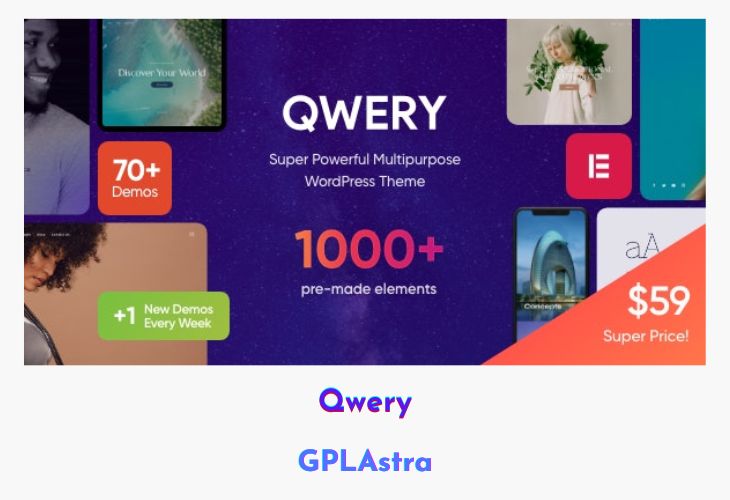
Qwery is a modern, responsive, and multi-purpose WordPress theme designed to give corporate businesses and blogs a stylish online presence. With a clean, fresh, and contemporary design, Qwery provides multiple pre-built skins that can be easily applied to create a professional website quickly. Its flexibility allows users to launch websites for a wide range of industries while maintaining a visually appealing and trendy look.
The theme’s responsive design ensures that all layouts look perfect on any device, while the multi-skin approach offers ready-made designs that save time and effort. Qwery is ideal for businesses, startups, agencies, and blogs seeking a modern online identity without compromising functionality or aesthetics.
| Name | Qwery |
| Type | WordPress Theme |
| Version | 3.6.1 |
| File Name | qwery |
| File Type | rar (Archive, please extract before use) |
| File Host | mediafire.com | Mirror |
| Updated On: | 3 weeks ago |
Core Features of Qwery WordPress Theme
- Responsive Design: Fully adapts to all devices and screen sizes.
- Multi-Purpose: Suitable for corporate websites, business blogs, agencies, and startups.
- Multi-Skin Layouts: Multiple stylish and trendy pre-built skins for quick setup.
- Modern & Clean Design: Fresh, professional aesthetics for any industry.
- Easy Customization: Adjust colors, fonts, and layouts to fit your brand.
- SEO Friendly: Built with best practices for search engine optimization.
- Cross-Browser Compatible: Works smoothly across all major browsers.
- Flexible Page Layouts: Options to create unique pages for different purposes.
- Widget-Ready: Includes custom widgets to enhance functionality.
- Retina Ready: Crisp visuals on high-resolution screens.
- Documentation & Support: Guides to help with setup and customization.
What’s New (Changelog) in Qwery v3.6.1
v3.6.1 - (19 September 2025) Added:
QW Extension addon (to version 1.6.2)
Accessibility improvements for WP Accessibility Check.
Events list Widget: the Classic layout now includes the event time in addition to the date.
Images Compare Widget: Separate styling for separator/handler; option to hide handler and control tag/offsets for “Before” & “After”.
Fixed:
Style tweaks for The Events Calendar integrations.
Audio widget: template “default” (select audio from library).
Sales Page and Live Demo of Qwery WordPress Theme
https://themeforest.net/item/qwery-multipurpose-business-wordpress-theme/29678687
Free Download Qwery Latest Version
⚡ Premium Access
Unlock All Premium Features
Unlimited Downloads
No Restrictions
Direct Download Links
Access to Private Content
Frequently Asked Questions (FAQs):
Here are some frequently asked questions related to Qwery WordPress Theme that might help you while installing it on your WordPress site:


