Jevelin v5.13 WordPress Theme
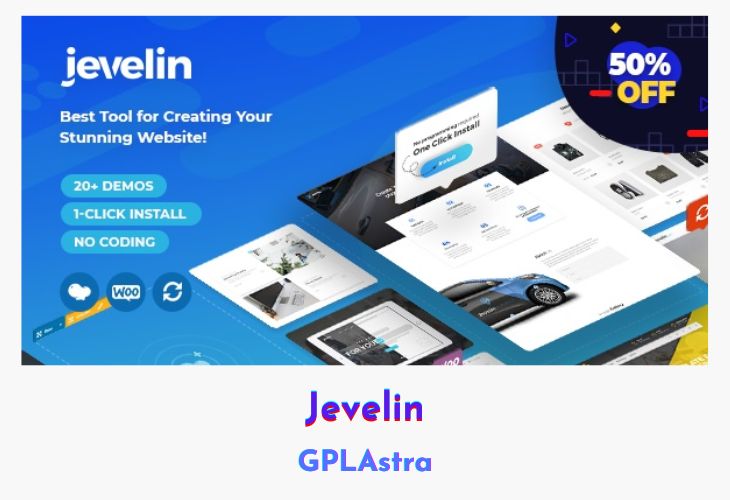
Jevelin is a premium multipurpose WordPress theme built for flexibility, creativity, and ease of use. Popular among professionals and beginners alike, it offers a wide array of pre-built website demos covering corporate, agency, eCommerce, creative portfolios, blogs, events, weddings, fitness, photography, and more. With Jevelin, users can launch a fully functional, high-quality website in minutes using its one-click demo installer and intuitive drag-and-drop page builder.
Packed with extensive customization options, layouts, templates, and integrated tools like Slider Revolution and Mega Menus, Jevelin allows users to personalize their websites fully without touching a line of code. It is responsive, SEO-friendly, multilingual, and comes with comprehensive video tutorials and lifetime updates, making it an all-in-one solution for building professional, modern websites quickly and efficiently.
| Name | Jevelin |
| Type | WordPress Theme |
| Version | 5.13 |
| File Name | jevelin |
| File Type | rar (Archive, please extract before use) |
| File Host | mediafire.com | Mirror |
| Updated On: | 2 months ago |
Core Features of Jevelin WordPress Theme
- One-Click Website Installation: Import demo content in minutes and replace with your own.
- Multiple Unique Demos: Access pre-built websites for business, eCommerce, portfolios, events, blogs, and more.
- Drag-and-Drop Page Builder: Customize pages easily with the Unyson builder.
- Powerful Slider Tool: Create mobile-friendly animated sliders using Slider Revolution.
- Mega Menus: Display images and content in drop-down menus for enhanced navigation.
- Custom Widgets: Portfolio, recent posts, social media, and other widget options.
- Full eCommerce Support: Seamless integration with WooCommerce for professional online stores.
- Responsive & Mobile Ready: Fluid layouts that work on all devices.
- SEO Optimized: Strong search engine focus for better visibility.
- Multilingual & RTL Support: Fully compatible with multilingual plugins and right-to-left languages.
- Unique Layouts & Templates: Over 10 portfolio layouts, multiple blog options, and customizable headers and footers.
- Customization Options: Adjust colors, fonts, header layouts, and page-specific settings.
- Video Background & Parallax Sections: Enhance visual appeal with dynamic backgrounds.
- Social Share Functionality: Make it easy for visitors to share your content on social networks.
- Multiple Page & Post Options: Custom post formats, portfolio overlays, multiple single-item layouts, testimonials, and more.
- Back to Top & Smooth Scroll: Improved navigation and user experience.
- Child Theme Included: Safe updates without losing customizations.
- Video Tutorials & Documentation: Guides for beginners and advanced users alike.
- Lifetime Updates & Professional Support: Continuous updates and six months of dedicated support.
What’s New (Changelog) in Jevelin v5.13
v5.13
Added – Compatibility with WordPress 6.8
Added – Compatibility with WooCommerce 9.9
Improved – Added jQuery migrate to fix bugs in some cases
Updated – Slider Revolution to the latest version (6.7.34)
Updated – WPBakery Page Builder to the latest version (8.5)
Updated – Yellow Pencil Pro to the latest version (7.6.6)
Updated – Theme language translation file (.pot)
Fixed – Theme contains outdated copies of some WooCommerce template files
Fixed – Function _load_textdomain_just_in_time was called incorrectly issue
Fixed – WPBakery page builder frontend button not working in some cases
Fixed – Small translation issue
Sales Page and Live Demo of Jevelin WordPress Theme
https://themeforest.net/item/jevelin-multipurpose-premium-responsive-wordpress-theme/14728833
Free Download Jevelin Latest Version
⚡ Premium Access
Unlock All Premium Features
Unlimited Downloads
No Restrictions
Direct Download Links
Access to Private Content
Frequently Asked Questions (FAQs):
Here are some frequently asked questions related to Jevelin WordPress Theme that might help you while installing it on your WordPress site:


