WooCommerce Reward Points v1.2.5 Plugin
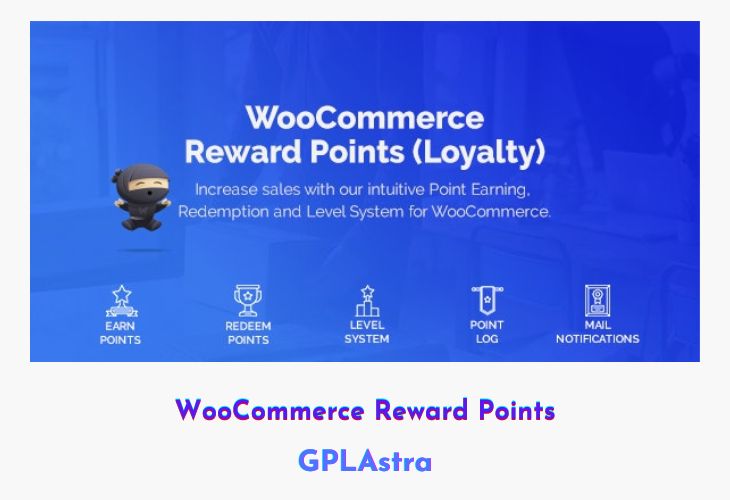
WooCommerce Reward Points is a powerful loyalty solution designed to help store owners boost repeat purchases and build long-term customer relationships. By rewarding users with points for actions like purchases, registrations, or engagement activities, this plugin turns everyday shopping into a motivating experience. Customers feel valued, stay engaged longer, and are more likely to return—making loyalty a direct driver of revenue growth.
Built with proven neuromarketing principles, the plugin encourages users to interact more with your store while giving you deeper insights into customer behavior. As shoppers collect and redeem points for rewards, your brand stays top-of-mind. At the same time, social sharing incentives help improve visibility and organic reach, creating a win-win situation for both store owners and customers.
| Name | WooCommerce Reward Points |
| Type | Plugin |
| Version | 1.2.5 |
| File Name | woocommerce-reward-points |
| File Type | rar (Archive, please extract before use) |
| File Host | mediafire.com | Mirror |
| Updated On: | 2 months ago |
Core Features of WooCommerce Reward Points Plugin
- Flexible Point Earning Rules: Allow customers to earn reward points for purchases, registrations, and other defined actions.
- Point Redemption System: Enable users to redeem collected points for discounts or rewards directly at checkout.
- Customer Loyalty Tracking: Identify your most loyal customers based on earned and redeemed points.
- Social Sharing Rewards: Increase SEO and brand reach by rewarding users for sharing your website or products.
- WooCommerce Integration: Seamlessly works with WooCommerce without disrupting existing store workflows.
- User Engagement Insights: Gain valuable data on customer activity and loyalty patterns to refine marketing strategies.
- Easy Reward Program Setup: Quickly create and manage a loyalty program without complex configurations.
What’s New (Changelog) in WooCommerce Reward Points v1.2.5
v1.2.5
- NEW: Exclude product categories from point redemption
- FIX: Point expiry did not decreased levels when "keep users level" was disabled
- FIX: Cart points earn issue when using point Earning Purchase Max Spent
Sales Page and Live Demo of WooCommerce Reward Points Plugin
https://codecanyon.net/item/woocommerce-reward-points/29123909
Free Download WooCommerce Reward Points Latest Version
⚡ Premium Access
Unlock All Premium Features
Unlimited Downloads
No Restrictions
Direct Download Links
Access to Private Content
Frequently Asked Questions (FAQs):
Here are some frequently asked questions related to WooCommerce Reward Points Plugin that might help you while installing it on your WordPress site:


