Wolmart v1.9.8 WordPress Theme
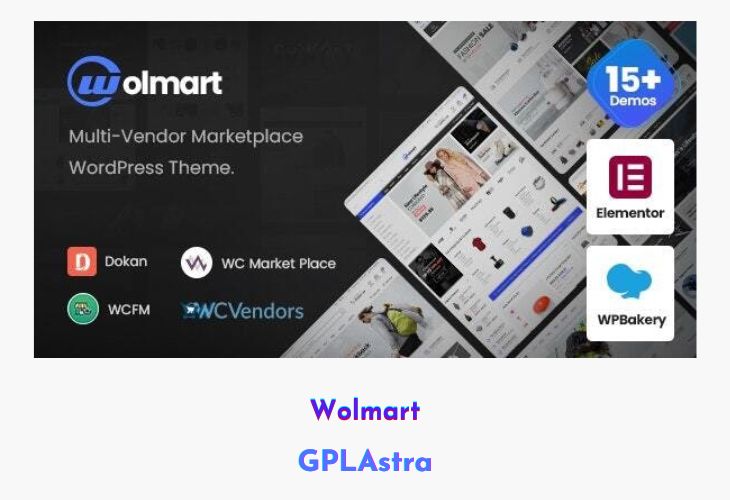
Wolmart Multi-Vendor Marketplace WooCommerce theme is a professional and performance-optimized WordPress theme crafted for building powerful online marketplaces like Amazon or eBay. It offers an extensive range of tools and design options that allow you to easily create a scalable and visually stunning multi-vendor store. With its exclusive skins, layouts, and vendor-focused functionalities, Wolmart ensures both vendors and customers experience a seamless shopping and selling process.
Built with speed and flexibility in mind, Wolmart delivers exceptional performance to handle high-traffic marketplaces. Whether you’re launching a niche market or a large-scale eCommerce platform, this theme provides the advanced customization options, optimized UI components, and responsive design needed to ensure your marketplace stands out while maintaining top-tier loading speed and usability.
| Name | Wolmart |
| Type | WordPress Theme |
| Version | 1.9.8 |
| File Name | wolmart |
| File Type | rar (Archive, please extract before use) |
| File Host | mediafire.com | Mirror |
| Updated On: | 1 week ago |
Core Features of Wolmart WordPress Theme
- Exclusive Marketplace Skins: Ready-to-use layouts tailored for multi-vendor marketplace designs.
- Advanced Vendor Features: Seamless integration with popular vendor plugins like Dokan and WC Vendors.
- High Performance Optimized: Lightweight structure ensuring blazing-fast page load times.
- Flexible Layout Builder: Customize shop, product, and vendor pages with ease using drag-and-drop tools.
- AJAX-Based Shopping Experience: Smooth add-to-cart, filtering, and product browsing without page reloads.
- Powerful Theme Options Panel: Full control over typography, colors, and layout settings.
- Responsive & Mobile-Ready Design: Optimized for all devices to ensure flawless user experience.
- SEO & Speed Friendly: Built with clean code and best SEO practices for improved rankings.
- Mega Menu & Header Builder: Easily create complex navigation and header layouts visually.
- Multi-Vendor Compatibility: Supports multiple vendors with independent dashboards and commission systems.
What’s New (Changelog) in Wolmart v1.9.8
v1.9.8 (Feb 11th.2026)
+ Added: Compatibility with WooCommerce plugin v10.5
+ Added: Compatibility with Elementor plugin v3.35
Sales Page and Live Demo of Wolmart WordPress Theme
https://themeforest.net/item/wolmart-multivendor-marketplace-woocommerce-theme/32947681
Free Download Wolmart Latest Version
⚡ Premium Access
Unlock All Premium Features
Unlimited Downloads
No Restrictions
Direct Download Links
Access to Private Content
Frequently Asked Questions (FAQs):
Here are some frequently asked questions related to Wolmart WordPress Theme that might help you while installing it on your WordPress site:


