QuadMenu v3.2.2 WordPress Plugin
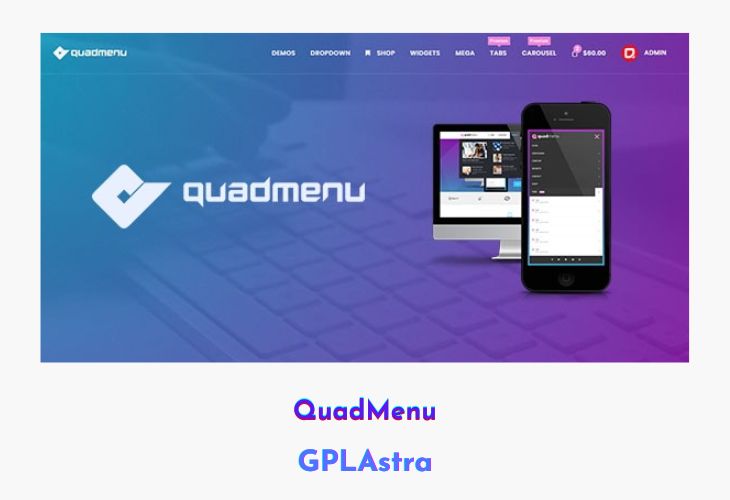
QuadMenu is a powerful and flexible WordPress mega menu plugin built for both everyday users and developers. It extends the native WordPress menu system, making it intuitive and easy to create advanced navigation layouts without coding. With its drag-and-drop interface, users can quickly build mega menus, tab menus, and multi-level dropdowns while integrating widgets, icons, and custom content seamlessly. The plugin is fully responsive and adapts to any screen size, ensuring a smooth browsing experience on desktops, tablets, and mobiles.
Designed with developers in mind, QuadMenu offers deep integration options, allowing full control over menu behavior, design, and functionality. From defining default settings and loading custom .less files to creating custom dropdown animations, the plugin provides complete flexibility for theme developers. Supporting Visual Composer, Google Fonts, and Font Awesome, QuadMenu delivers a complete toolkit to design stylish and functional menus that enhance navigation and user engagement.
| Name | QuadMenu |
| Type | WordPress Plugin |
| Version | 3.2.2 |
| File Name | quadmenu-pro |
| File Type | zip (Installable Archive) |
| File Host | mediafire.com | Mirror |
| Updated On: | 4 months ago |
Core Features of QuadMenu WordPress Plugin
- Drag and Drop Menu Builder: Easily create and organize complex menus using a visual interface.
- Unlimited Menu Themes: Customize and style multiple menus with distinct themes and color schemes.
- Mega Menu Support: Add widgets, icons, and advanced layouts to your menus without coding.
- Responsive Design: Automatically adapts to any screen size with customizable collapse breakpoints.
- Sticky and Floating Menus: Keep menus visible while scrolling for better navigation.
- Advanced Display Controls: Show or hide specific menu items based on device type or screen width.
- Font and Icon Integration: Includes Google Fonts and Font Awesome for modern design flexibility.
- Dropdown Animations: Enhance user experience with smooth, customizable animation effects.
- Developer Options: Control user permissions, style loading, and predefined default settings.
- Child Theme and Visual Composer Support: Fully compatible with WordPress child themes and popular builders.
- Social, Search, Cart & Login Modules: Add interactive elements directly into your navigation menu.
- Custom Dropdown Animations: Developers can define unique transitions for menu items.
- Extensive Customization: Modify .less files and apply filters to adjust menu content and design.
What’s New (Changelog) in QuadMenu v3.2.2
v3.2.2
fix: php 7.2 errors
Sales Page and Live Demo of QuadMenu WordPress Plugin
https://codecanyon.net/item/quadmenu-responsive-wordpress-mega-menu/21315450
Free Download QuadMenu Latest Version
⚡ Premium Access
Unlock All Premium Features
Unlimited Downloads
No Restrictions
Direct Download Links
Access to Private Content
Frequently Asked Questions (FAQs):
Here are some frequently asked questions related to QuadMenu WordPress Plugin that might help you while installing it on your WordPress site:


