FormGent Pro v1.1.3 WP Plugin
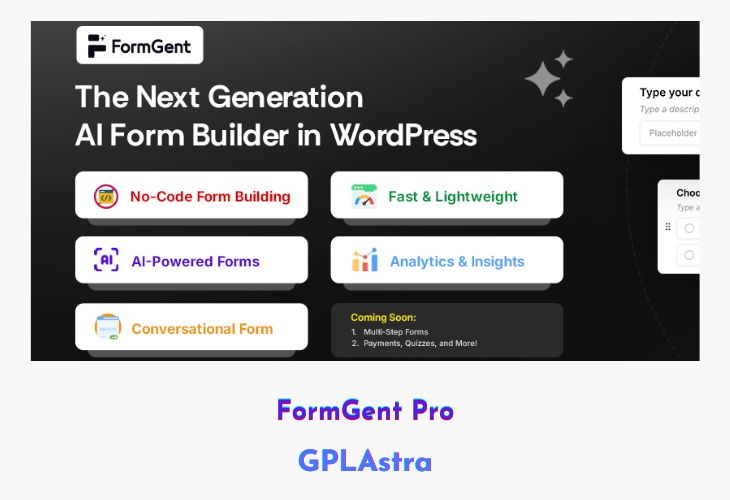
FormGent Pro is an advanced AI-powered form builder for WordPress that makes creating professional, dynamic forms easier than ever. With intelligent automation, it eliminates the need for complex setups or technical skills—simply describe your form in plain language, and the AI instantly generates the ideal configuration for you. Whether you need contact forms, surveys, registration, or feedback forms, FormGent Pro adapts to your goals with precision and speed. Its streamlined interface, dynamic logic, and real-time analytics help you build smarter, more engaging forms that improve user experience and conversion rates.
Designed for creators and businesses alike, FormGent Pro offers seamless performance with 16+ input types, instant progress saving, and powerful customization options—all without writing a single line of code. The built-in analytics dashboard allows you to monitor submissions, identify patterns, and optimize your forms for better engagement. If you’re tired of slow, complicated form builders, FormGent Pro is your intelligent, all-in-one solution for effortless form creation.
| Name | FormGent Pro |
| Type | WP Plugin |
| Version | 1.1.3 |
| File Name | formgent-pro |
| File Type | zip (Installable Archive) |
| File Host | mediafire.com | Mirror |
| Updated On: | 3 weeks ago |
Core Features of FormGent Pro WP Plugin
- AI-Driven Form Creation: Instantly generate smart forms using built-in AI that understands your needs.
- 16+ Input Types: Create dynamic, customized forms with diverse field options for any purpose.
- No-Code Form Builder: Design and launch complex forms effortlessly—no coding required.
- Dynamic Logic Support: Personalize form fields and user flow based on real-time responses.
- Instant Progress Saving: Automatically save user input to prevent form abandonment.
- Built-In Analytics: Track submissions, analyze performance, and optimize with data-driven insights.
- Real-Time Tracking: Monitor engagement and completion rates as they happen.
- Affordable and Powerful: Combines premium functionality with cost-effective accessibility.
- User-Centric Design: Simplifies creation for beginners while offering depth for advanced users.
- Seamless WordPress Integration: Works perfectly with all modern WordPress themes and plugins.
What’s New (Changelog) in FormGent Pro v1.1.3
Fixed: Resolved a conflict with form submission confirmation message types.
Improved: Added support for WordPress core Heading and Paragraph blocks in multi-step forms.
Improved: Enhanced form responsiveness for a better user experience across devices.
Improved: Enhanced backend validation for form submissions to ensure better accuracy and reliability.
Sales Page and Live Demo of FormGent Pro WP Plugin
https://formgent.com/
Free Download FormGent Pro Latest Version
⚡ Premium Access
Unlock All Premium Features
Unlimited Downloads
No Restrictions
Direct Download Links
Access to Private Content
Frequently Asked Questions (FAQs):
Here are some frequently asked questions related to FormGent Pro WP Plugin that might help you while installing it on your WordPress site: