FluentCart Pro v1.3.10 WP Plugin
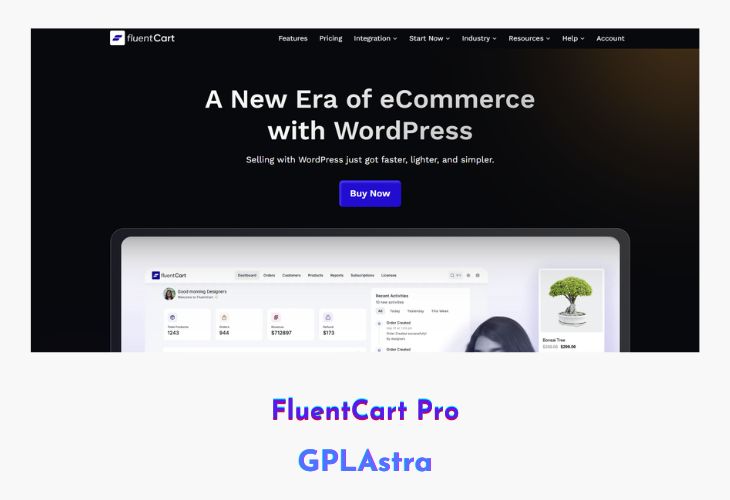
FluentCart Pro is a performance-focused, self-hosted eCommerce solution built specifically for WordPress. Designed to give store owners complete freedom, it lets you sell physical products, digital downloads, subscriptions, and software licenses—all without any third-party dependencies or transaction fees. Unlike traditional eCommerce plugins, FluentCart Pro isn’t a forked solution but a fully original platform built for speed, flexibility, and control. Its lightweight architecture ensures optimal performance while providing all the tools needed to run a modern online store.
Perfect for solo creators, small businesses, and developers, FluentCart Pro eliminates the frustrations of bloated systems and rigid checkout processes. You get a clean, intuitive dashboard that simplifies store management while maintaining full ownership of your data and structure. Whether you’re building a new store or upgrading an existing one, FluentCart adapts seamlessly to your selling model, making it an excellent alternative to restrictive SaaS eCommerce platforms.
| Name | FluentCart Pro |
| Type | WP Plugin |
| Version | 1.3.10 |
| File Name | fluent-cart-pro |
| File Type | zip (Installable Archive) |
| File Host | mediafire.com | Mirror |
| Updated On: | 3 weeks ago |
Core Features of FluentCart Pro WP Plugin
- Self-Hosted Platform: Full ownership of your store, data, and checkout flow with no external dependencies.
- Zero Transaction Fees: Keep 100% of your profits—no hidden costs or commissions.
- Flexible Product Support: Sell physical goods, subscriptions, downloads, and software licenses with ease.
- Performance-First Architecture: Optimized for speed and scalability without unnecessary code bloat.
- Customizable Checkout Flow: Create a frictionless, conversion-focused shopping experience.
- Lightweight & Scalable: Built to handle both small and high-traffic stores efficiently.
- Developer Friendly: Offers hooks, filters, and integrations for tailored store functionality.
- Simple Dashboard: Clean and intuitive interface for easy store management and analytics.
- No Vendor Lock-In: Complete independence from proprietary SaaS restrictions or platforms.
- Ideal for All Sellers: Suitable for digital creators, small businesses, and web developers alike.
What’s New (Changelog) in FluentCart Pro v1.3.10
= v1.3.10 (Feb 04, 2026) =
- Adds FSE Block Theme Support
- Adds Blocks: Mini cart, Product Carousel, title, image
- Adds Shortcodes: Mini cart, product categories
- Improves Guttenberg Blocks into latest version (v3)
- Fixes Missing tax breakdown on renewal email
- Fixes Missing VAT info on renewal order
- Fixes Dark-light theme conflict for addons promo
- Fixes Modal checkout responsive issue
Sales Page and Live Demo of FluentCart Pro WP Plugin
https://fluentcart.com/
Free Download FluentCart Pro Latest Version
⚡ Premium Access
Unlock All Premium Features
Unlimited Downloads
No Restrictions
Direct Download Links
Access to Private Content
Frequently Asked Questions (FAQs):
Here are some frequently asked questions related to FluentCart Pro WP Plugin that might help you while installing it on your WordPress site: