YITH WooCommerce Checkout Manager v1.53.0 Plugin
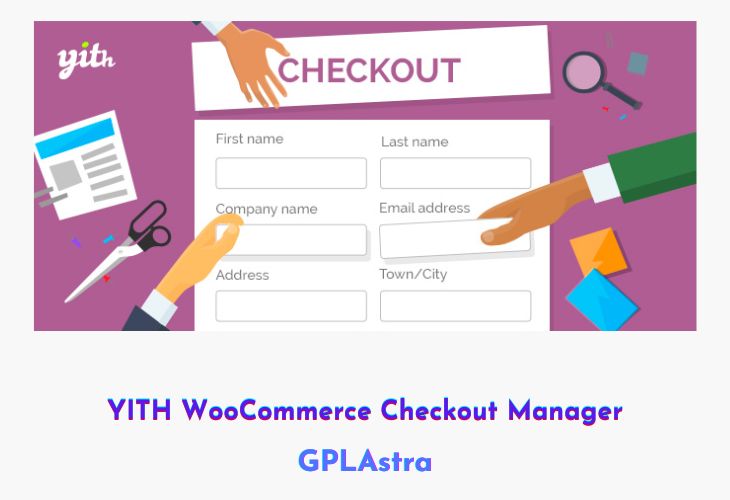
YITH WooCommerce Checkout Manager is a powerful plugin designed to help you take full control over your WooCommerce checkout page. It allows you to add, edit, or remove checkout fields with ease, giving you the flexibility to capture all the necessary customer information for your business. Whether you need to include additional fields like VAT, tax code, or custom preferences, this plugin lets you tailor your checkout process to meet your exact needs while maintaining a professional layout.
With its intuitive interface, YITH WooCommerce Checkout Manager makes it simple to enhance user experience and streamline the purchase process. You can modify field types, apply different styles, manage error messages, and organize the field order effortlessly. By customizing your checkout page, you can reduce cart abandonment and improve conversion rates with a checkout process that feels smooth, logical, and complete.
| Name | YITH WooCommerce Checkout Manager |
| Type | Plugin |
| Version | 1.53.0 |
| File Name | yith-woocommerce-checkout-manager |
| File Type | rar (Archive, please extract before use) |
| File Host | mediafire.com | Mirror |
| Updated On: | 4 weeks ago |
Core Features of YITH WooCommerce Checkout Manager Plugin
- Add or Remove Checkout Fields: Easily insert or delete text boxes, checkboxes, radio buttons, or select menus.
- Custom Field Types: Add VAT, tax code, phone number, or date picker fields as needed.
- Drag-and-Drop Field Management: Rearrange fields effortlessly for a more intuitive layout.
- Custom Styling Options: Apply unique styles to data fields for a cleaner, branded appearance.
- Error Message Control: Manage and customize validation and error message behavior.
- Field Visibility Rules: Display or hide specific fields based on user input or conditions.
- User-Friendly Interface: Modify your checkout form without needing to edit any code.
- Improved Conversion: Streamline checkout flow to make purchasing faster and easier for customers.
- Seamless WooCommerce Integration: Works perfectly with your existing WooCommerce setup.
- Enhanced User Experience: Create a simple, clear, and customized checkout page that encourages successful purchases.
What’s New (Changelog) in YITH WooCommerce Checkout Manager v1.53.0
=== v1.53.0 === Released on 22 January 2026
* New: support for WooCommerce 10.5
* Update: YITH plugin framework
* Dev: update regular expression to validate correctly new VAT numbers from Belgium
Sales Page and Live Demo of YITH WooCommerce Checkout Manager Plugin
https://yithemes.com/themes/plugins/yith-woocommerce-checkout-manager/
Free Download YITH WooCommerce Checkout Manager Latest Version
⚡ Premium Access
Unlock All Premium Features
Unlimited Downloads
No Restrictions
Direct Download Links
Access to Private Content
Frequently Asked Questions (FAQs):
Here are some frequently asked questions related to YITH WooCommerce Checkout Manager Plugin that might help you while installing it on your WordPress site: