WooCommerce Dynamic Pricing & Discounts with AI v3.1.0 Plugin
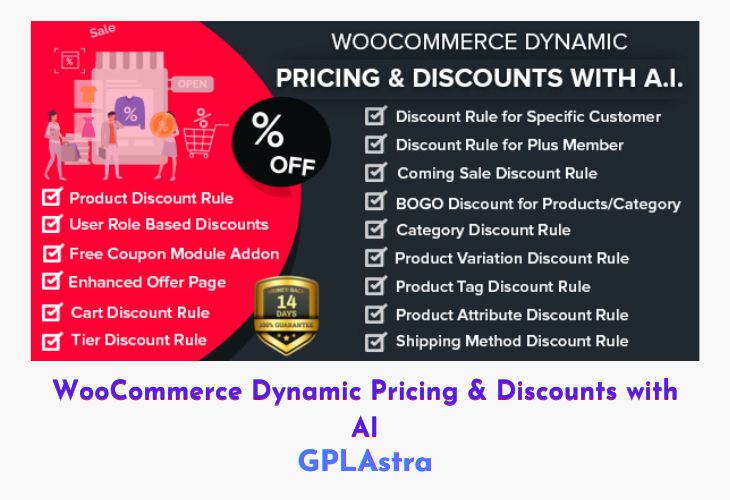
WooCommerce Dynamic Pricing & Discounts Pro A.I. is an advanced and intelligent pricing toolkit for WooCommerce stores, designed to automate complex discount structures and sales strategies. This feature-packed plugin empowers store owners to apply flexible pricing rules based on multiple conditions—products, categories, user roles, purchase history, payment or shipping methods, and more. With its built-in A.I. system, it helps optimize sales campaigns, reward loyal customers, and encourage repeat purchases effortlessly. From simple percentage discounts to tiered pricing and BOGO offers, every type of promotional rule can be configured within minutes—no coding required.
The plugin not only simplifies pricing management but also enhances customer engagement through features like “Next Buy Bonus,” upcoming sale announcements, and Plus Membership programs. With its condition-based rules and automation, WooCommerce Dynamic Pricing & Discounts Pro A.I. saves time while offering maximum control over storewide promotions. It’s the perfect choice for store owners looking to boost conversions, maintain loyalty, and strategically manage pricing without manual effort.
| Name | WooCommerce Dynamic Pricing & Discounts with AI |
| Type | Plugin |
| Version | 3.1.0 |
| File Name | woo-dynamic-pricing-discounts-with-ai |
| File Type | zip (Installable Archive) |
| File Host | mediafire.com | Mirror |
| Updated On: | 4 months ago |
Core Features of WooCommerce Dynamic Pricing & Discounts with AI Plugin
- AI-Powered Pricing Engine: Automate discount logic and customer targeting with intelligent rule-based control.
- Multiple Discount Types: Supports product, category, BOGO, tiered, cart, attribute, and tag-based discounts.
- Customer-Specific Rules: Set custom discounts for specific users, roles, or loyal customers.
- Plus Membership System: Automatically reward high-value buyers with exclusive member discounts.
- Next Buy Bonus: Offer personalized discounts for customers’ next purchase based on current order details.
- Upcoming Sale Announcements: Display upcoming promotional offers directly on your website.
- Comprehensive Condition Builder: Create discount rules based on quantity, cart total, user role, payment, or shipping method.
- Product & Category Combinations: Trigger discounts when users buy specific products or categories together.
- Cart-Based Discounts: Automatically apply discounts based on cart subtotal, product count, or purchase history.
- Payment Method Discounts: Encourage certain payment gateways by offering exclusive discounts.
- Shipping Method Discounts: Reward customers for selecting specific delivery options.
- BOGO Rules (Product & Category): Offer free items or bonus deals on specific products or entire categories.
- Coupon Suggestion Module: Display coupon recommendations on the cart page to retain potential buyers.
- Tiered Discounts: Increase discounts progressively based on quantity or cart value thresholds.
- Variation-Based Discounts: Apply discounts dynamically on product variations like size or color.
- Advanced Restrictions: Exclude sale items, limit max discounts, or define qualifying parameters.
- Browser Title Customization: Change browser titles dynamically for sale or event pages.
- Upcoming Sales Page: Dedicated page to preview future promotions and attract customer attention.
- WPML Compatible: Fully supports multilingual setups for global stores.
- Regular Updates & Documentation: Includes ongoing updates, detailed guides, and professional support.
What’s New (Changelog) in WooCommerce Dynamic Pricing & Discounts with AI v3.1.0
20.09.2025 - v3.1.0
- Added: Configure special discounts for seasonal sales.
- Fixed: Rules for Specific customer bugs and errors.
- Compatibility: With WordPress 6.8.2
- Compatibility: With WooCommerce 10.2.0
- Fixed: Bogo rule add free product when meets the minimum cart amount
- Fixed: Some Other Minor Bugs
05.12.2024 - ver 3.0.1
- Fixed: The issue of countdown timer
- Fixed: the issue in tier category rule to perform discount on the selected product
- Fixed: Now show the custom offer also for guest users
- Fixed: to show the required plugin to activate in plugins page
- Compatibility: With latest version of WordPress & WooCommerce
- Fixed: Some Other Minor Bugs
Sales Page and Live Demo of WooCommerce Dynamic Pricing & Discounts with AI Plugin
https://codecanyon.net/item/woocommerce-dynamic-pricing-discounts-with-ai/24165502
Free Download WooCommerce Dynamic Pricing & Discounts with AI Latest Version
⚡ Premium Access
Unlock All Premium Features
Unlimited Downloads
No Restrictions
Direct Download Links
Access to Private Content
Frequently Asked Questions (FAQs):
Here are some frequently asked questions related to WooCommerce Dynamic Pricing & Discounts with AI Plugin that might help you while installing it on your WordPress site:


