Page Builder Framework Premium v2.10.3 Plugin
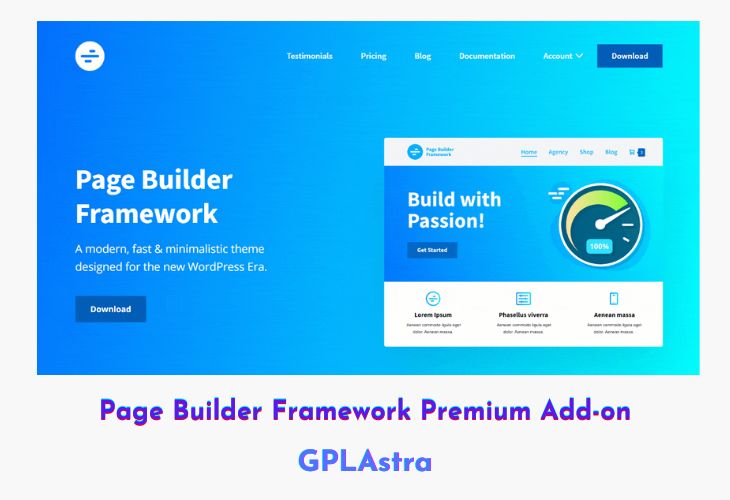
Page Builder Framework Premium Add-on is a lightweight yet powerful enhancement designed to extend the flexibility of the Page Builder Framework theme. Perfectly compatible with leading page builders like Elementor, Beaver Builder, and Divi, it empowers developers and designers to create fully customized, professional-grade websites with ease. The add-on includes advanced design and layout options such as sticky navigation, transparent headers, mobile menu variations, and white-label features—ensuring full control over your website’s look and feel.
Built with speed and simplicity in mind, the Premium Add-on complements the core Page Builder Framework by adding modern navigation styles, mega menu support, and enhanced footer customization. Whether you’re building client sites, WooCommerce stores, or agency projects, it delivers the tools you need for smooth, responsive, and SEO-friendly design—without the bloat or performance lag.
| Name | Page Builder Framework Premium |
| Type | Plugin |
| Version | 2.10.3 |
| File Name | wpbf-premium |
| File Type | zip (Installable Archive) |
| File Host | mediafire.com | Mirror |
| Updated On: | 4 months ago |
Core Features of Page Builder Framework Premium Plugin
- Sticky Navigation: Create smooth, fully customizable sticky headers that stay visible while scrolling.
- Typography & Typekit Integration: Apply and manage custom fonts, including Adobe Typekit support.
- Transparent Header: Easily design elegant transparent headers for modern, layered visuals.
- Beaver Themer Support: Seamless compatibility with Beaver Themer for full theme control.
- Menu Variations: Choose from off-canvas or full-screen menu styles to fit your design vision.
- Mobile Menu Options: Upgrade the mobile experience with advanced off-canvas menu layouts.
- Sticky & Advanced Footer: Keep your footer fixed to the bottom and design it your way with saved rows.
- Menu Hover Effects: Add stylish hover animations to enhance navigation interactivity.
- White Labeling: Rebrand the theme completely with your own name and logo for client projects.
- Mega Menu Support: Build multi-column mega menus with up to four rows for complex navigation.
- Lightweight & Fast: Optimized for maximum performance and minimal code output.
- Responsive Design: 100% mobile-friendly layouts for flawless display across devices.
- Developer Friendly: Built with hooks, Gulp, Sass, and BrowserSync for advanced customization.
- WooCommerce Ready: Pre-styled WooCommerce elements for seamless eCommerce integration.
- SEO Optimized: Schema.org and HTML5 compliant for better search engine visibility.
What’s New (Changelog) in Page Builder Framework Premium v2.10.3
v2.10.3 – September 21, 2025
Various fixes and improvements to Customizer controls and live previews
Sales Page and Live Demo of Page Builder Framework Premium Plugin
https://wp-pagebuilderframework.com/premium/
Free Download Page Builder Framework Premium Latest Version
⚡ Premium Access
Unlock All Premium Features
Unlimited Downloads
No Restrictions
Direct Download Links
Access to Private Content
Frequently Asked Questions (FAQs):
Here are some frequently asked questions related to Page Builder Framework Premium Plugin that might help you while installing it on your WordPress site: