Seraphinite Accelerator Extended v2.28.15 Plugin
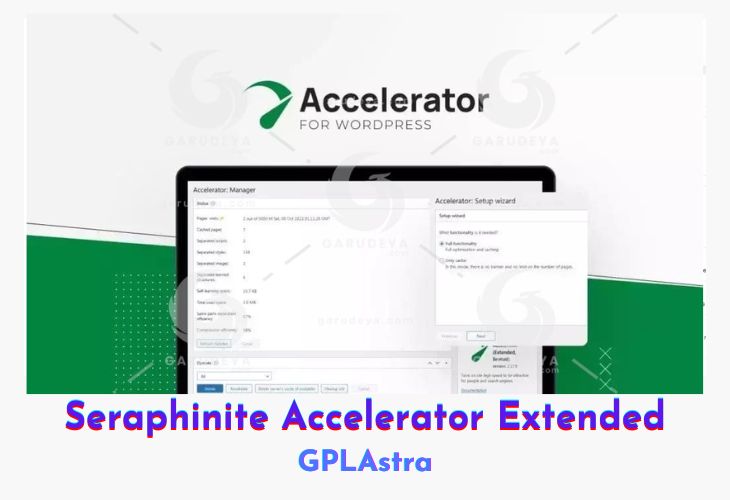
Seraphinite Accelerator Extended is a powerful WordPress plugin designed to significantly boost your site’s speed for both desktop and mobile users. By leveraging advanced caching mechanisms and intelligent resource optimization, this plugin ensures your site loads quickly, handles high traffic effortlessly, and maintains peak performance during updates. This results in a faster user experience, reduced server load, and improved rankings in search engines—making your website more attractive to both visitors and crawlers.
The plugin supports modern optimization standards such as Brotli and GZip compression, lazy loading for media, and smart caching for dynamic content like shopping carts or online courses. It doesn’t require any registration or usage quota, and it’s compatible with many third-party optimization tools. With added support for CDN load balancing and advanced HTML error-checking, Seraphinite Accelerator Extended is ideal for site owners who want serious performance gains without bloated interfaces or promotional clutter.
| Name | Seraphinite Accelerator Extended |
| Type | Plugin |
| Version | 2.28.15 |
| File Name | seraphinite-accelerator-ext |
| File Type | zip (Installable Archive) |
| File Host | mediafire.com | Mirror |
| Updated On: | 16 hours ago |
Core Features of Seraphinite Accelerator Extended Plugin
- Fastest Cache Engine: High-performance file-based caching system ensures rapid page loading
- High Load Tolerance: Cache revalidation minimizes server stress under heavy traffic
- Security: Protects cached sessions from brute-force attacks and unauthorized access
- Optimization Plugin Compatibility: Seamlessly works alongside other speed optimization plugins
- Multiple Encoding Options: Supports GZip, Brotli, Deflate, Compress, and uncompressed formats
- Cache Data Compression: Reduces cache storage footprint by compressing stored data
- Browser Caching: Enhances speed via
.htaccessconfigurations for browser-side caching - Device-Based Caching Separation: Maintains distinct cache for different devices and environments
- No Registration or Quotas: Use without account setup or monthly view limits
- Multiple CDN Support: Load balance across several CDNs to optimize delivery and reduce cost
- Lazy Revalidation: Maintains fast page speed even during content updates
- Smart Cache Storage Optimization: Stores identical elements uniquely to save space
- User Cache Support: Dynamically caches user-specific pages like carts and course dashboards
- HTML Error Checking: Detects and fixes malformed HTML tags and unescaped scripts
- Content Minification: Minifies JavaScript, CSS, and HTML for smaller page size
- Lazy Media Loading: Defers loading of images, videos, iframes, and fonts for better performance
- Script Load Optimization: Inlines or defers JavaScript and CSS for optimal rendering
- No Page View Limits (Premium): Unlimited optimized views without the 5000-view cap
- No Site Banner (Premium): Removes branding or ads from the bottom of the site
- Ad-Free Experience (Premium): No promotional content or plugin upsells displayed
What’s New (Changelog) in Seraphinite Accelerator Extended v2.28.15
2.28.15 - February 23, 2026
Fixes
- API functions 'LogClear' and 'GetData' can be called by users dont have 'manage_options' privilegy.
Sales Page and Live Demo of Seraphinite Accelerator Extended Plugin
https://www.s-sols.com/products/wordpress/accelerator
Free Download Seraphinite Accelerator Extended Latest Version
⚡ Premium Access
Unlock All Premium Features
Unlimited Downloads
No Restrictions
Direct Download Links
Access to Private Content
Frequently Asked Questions (FAQs):
Here are some frequently asked questions related to Seraphinite Accelerator Extended Plugin that might help you while installing it on your WordPress site: