Exertio v1.3.4 WordPress Theme
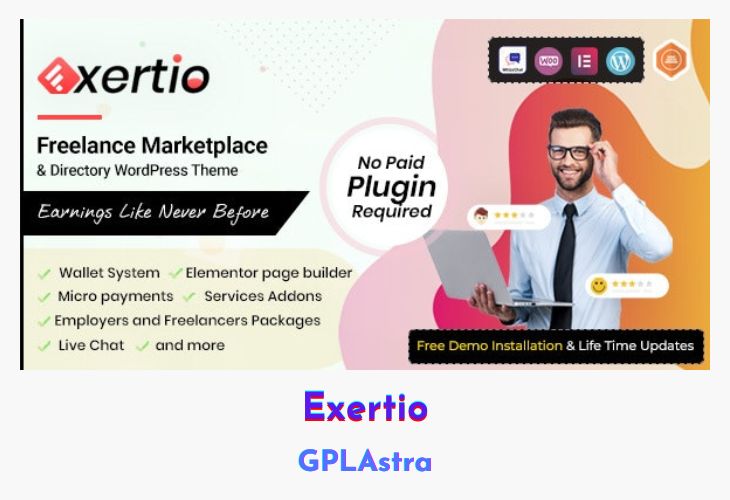
Exertio is a premium WordPress theme designed to help you create a fully functional freelance marketplace similar to Fiverr, Upwork, or Freelancer. This powerful theme enables businesses and entrepreneurs to launch a commission-based freelancing platform where users can register as employers or freelancers. With an intuitive interface, seamless user registration, and advanced service-posting features, Exertio ensures a hassle-free experience for both buyers and service providers. The theme is built with high-quality coding and market-researched design to cater to the needs of service-based businesses of all sizes.
Exertio is packed with essential features such as job alerts, video call integration via Zoom, milestone creation, and an intelligent bidding system. It supports Elementor for easy customization, WooCommerce for secure transactions, and social media logins for seamless user access. Freelancers can showcase their services with images, videos, FAQs, and specialization fields, while employers can post paid or free projects with various bidding options. Additional features like identity verification, commission-based earnings, wallet systems, and advanced search filters make Exertio a robust and user-friendly choice for anyone looking to establish a professional freelancing marketplace.
| Name | Exertio |
| Type | WordPress Theme |
| Version | 1.3.4 |
| File Name | Unable to Find |
| File Type | Unable to Find |
| File Host | send.now | Mirror |
| Updated On: | 7 months ago |
Core Features of Exertio WordPress Theme
- Job Alerts: Keep users updated with real-time job notifications.
- Zoom Integration: Conduct video meetings seamlessly within the platform.
- Custom Fields: Tailor project and service listings with flexible input options.
- Freelancer Specialization: Allow freelancers to highlight their expertise.
- Milestone Management: Secure project payments through structured milestones.
- Invite Freelancers: Employers can directly invite professionals for projects.
- Commission System: Earn revenue by charging a commission on completed projects.
- Wallet System: Simplifies transactions with an internal digital wallet.
- Bidding System: Supports featured, top, and sticky bids for increased visibility.
- WooCommerce Integration: Enables secure and seamless payment processing.
- Elementor Page Builder: Customize layouts effortlessly with drag-and-drop tools.
- Social Media Logins: Quick and easy user registration via Facebook or Google.
- Advanced Search & Filters: Improve user experience with targeted search options.
- SEO Optimized: Enhances visibility on search engines for increased traffic.
- Translation Ready: Supports multiple languages for a global audience.
- Complete User Dashboard: Provides an intuitive interface for both employers and freelancers.
What’s New (Changelog) in Exertio v1.3.4
Updates: v1.3.4 —- July 22nd, 2025 Fixed:
1. Remove Duplicate folder
Sales Page and Live Demo of Exertio WordPress Theme
https://themeforest.net/item/exertio-freelance-marketplace-wordpress-theme/30602587
Free Download Exertio Latest Version
⚡ Premium Access
Unlock All Premium Features
Unlimited Downloads
No Restrictions
Direct Download Links
Access to Private Content
Frequently Asked Questions (FAQs):
Here are some frequently asked questions related to Exertio WordPress Theme that might help you while installing it on your WordPress site:


