Extra Product Options for WooCommerce PRO v3.2.6 Plugin
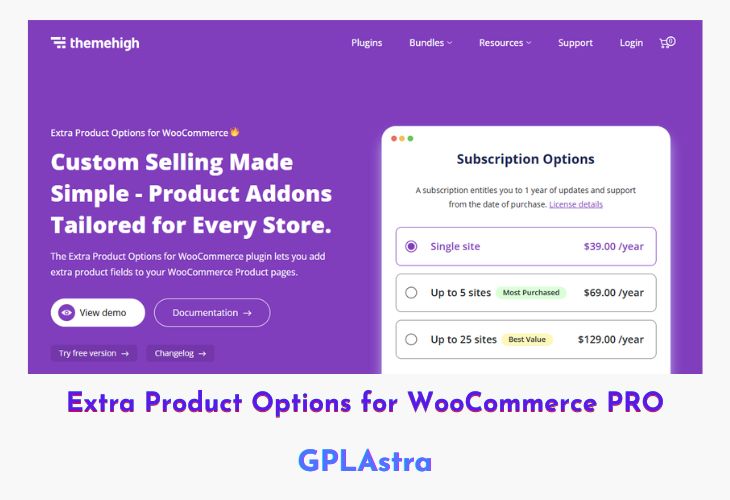
Extra Product Options for WooCommerce PRO is a powerful plugin designed to enhance product customization in WooCommerce stores. This plugin allows you to add extra product fields to product pages, providing customers with multiple customization options. With support for 27 custom field types, advanced pricing methods, conditional display rules, and styling options, it simplifies the process of tailoring products to meet unique customer preferences. Whether you’re selling personalized gifts, custom-printed apparel, or specialized services, this plugin gives you full control over product variations and add-ons.
The plugin offers a seamless user experience with easy integration, custom validation options, and display settings across the cart, checkout, and order detail pages. Advanced features such as file uploads, date/time pickers, color palettes, and image group displays make it an all-in-one solution for store owners. Additionally, its flexible pricing structures—including fixed, dynamic, and percentage-based pricing—enable precise price calculations for customized products. With built-in import/export functionality, development-friendly hooks, and a modern interface, Extra Product Options for WooCommerce PRO is an essential tool for any WooCommerce store looking to offer personalized products efficiently.
| Name | Extra Product Options for WooCommerce PRO |
| Type | Plugin |
| Version | 3.2.6 |
| File Name | woocommerce-extra-product-options-pro |
| File Type | zip (Installable Archive) |
| File Host | mediafire.com | Mirror |
| Updated On: | 12 months ago |
Core Features of Extra Product Options for WooCommerce PRO Plugin
- 27 Custom Product Fields: Wide variety of field types, including text, dropdowns, checkboxes, date pickers, and file uploads.
- Custom Sections: Group similar product fields together for better organization.
- Conditional Logic: Display fields and sections based on product categories, user roles, or other conditions.
- Advanced Pricing Methods: Fixed, percentage-based, character count, dynamic pricing, and custom formula pricing.
- Custom Validations: Set up regular expressions, required fields, and confirmation validators.
- Date & Time Picker: Allow customers to select dates and times for scheduling or delivery.
- Field Display Control: Choose where to show fields—product pages, cart, checkout, and order detail pages.
- Flexible Styling Options: Customize typography, color, layout (accordion or tabbed styles), and tooltips.
- Image & Color Selection: Let customers choose colors or upload images for product customization.
- File Upload Support: Accept images, videos, or documents for personalized product orders.
- Custom ‘Add to Cart’ Button Text: Modify the button text to suit different product types.
- SEO-Friendly & Fast: Lightweight design with optimized performance.
- Import & Export Fields: Easily back up or transfer custom fields between sites.
- Developer Hooks: Extend functionality with custom code.
- Regular Updates & Support: Stay compatible with the latest WooCommerce versions.
What’s New (Changelog) in Extra Product Options for WooCommerce PRO v3.2.6
3.2.6 (05-11-2024)
FIX: Resolved Ajax add-to-cart issue with variable products.
IMPROVED: Enhanced price calculation on product pages using JavaScript for instant price updates.
IMPROVED: Added a filter to modify the price table.
IMPROVED: Restricted saving fields without a name.
IMPROVED: Added WooCommerce 9.4 compatibility.
IMPROVED: Added WordPress 6.7 compatibility.
NEW FEATURE: Live product image updates on the product page for image group fields.
Sales Page and Live Demo of Extra Product Options for WooCommerce PRO Plugin
https://www.themehigh.com/product/woocommerce-extra-product-options/
Free Download Extra Product Options for WooCommerce PRO Latest Version
⚡ Premium Access
Unlock All Premium Features
Unlimited Downloads
No Restrictions
Direct Download Links
Access to Private Content
Frequently Asked Questions (FAQs):
Here are some frequently asked questions related to Extra Product Options for WooCommerce PRO Plugin that might help you while installing it on your WordPress site: